

Installation
Load the image on the UFM server; either using the UFM GUI -> Settings -> Plugins Management tab, or by loading the image via the following command:
-
Login to the UFM server terminal.
-
Run
docker load -I <path_to_image>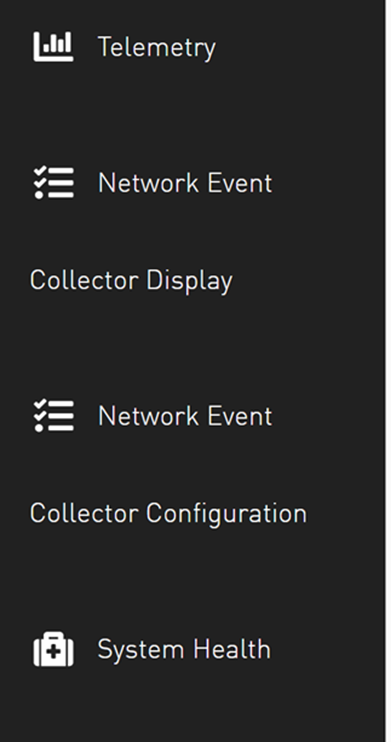
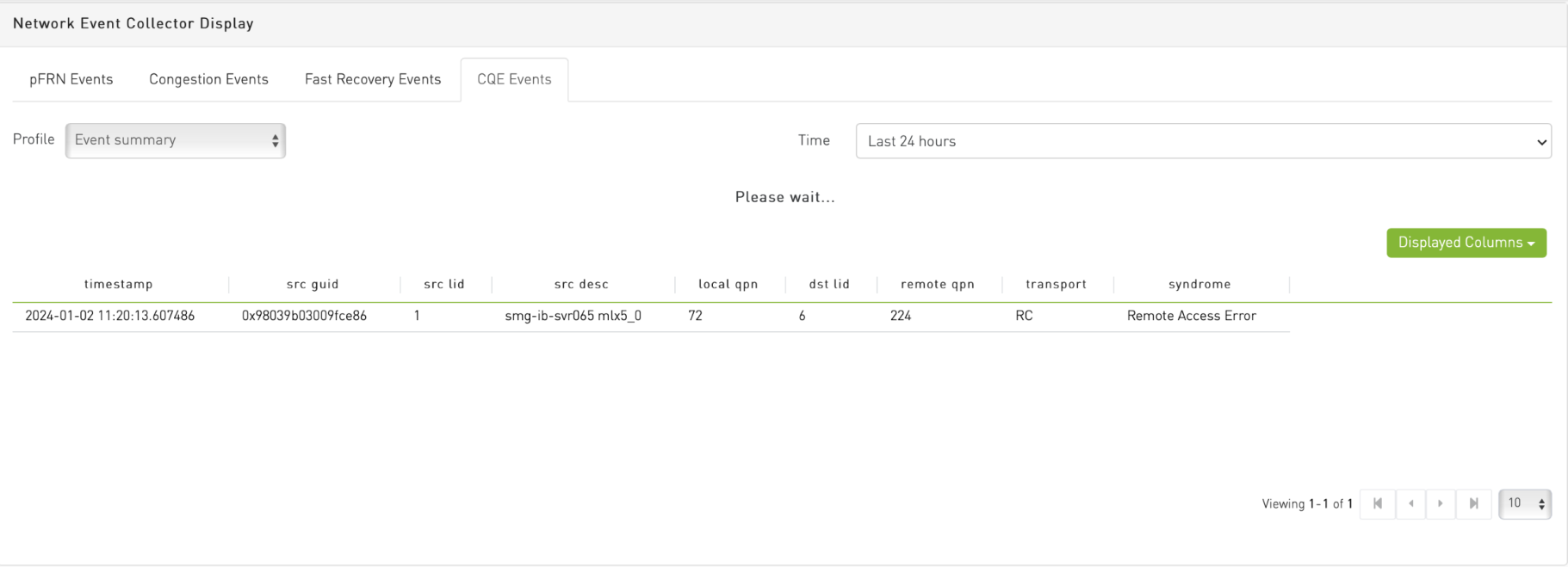
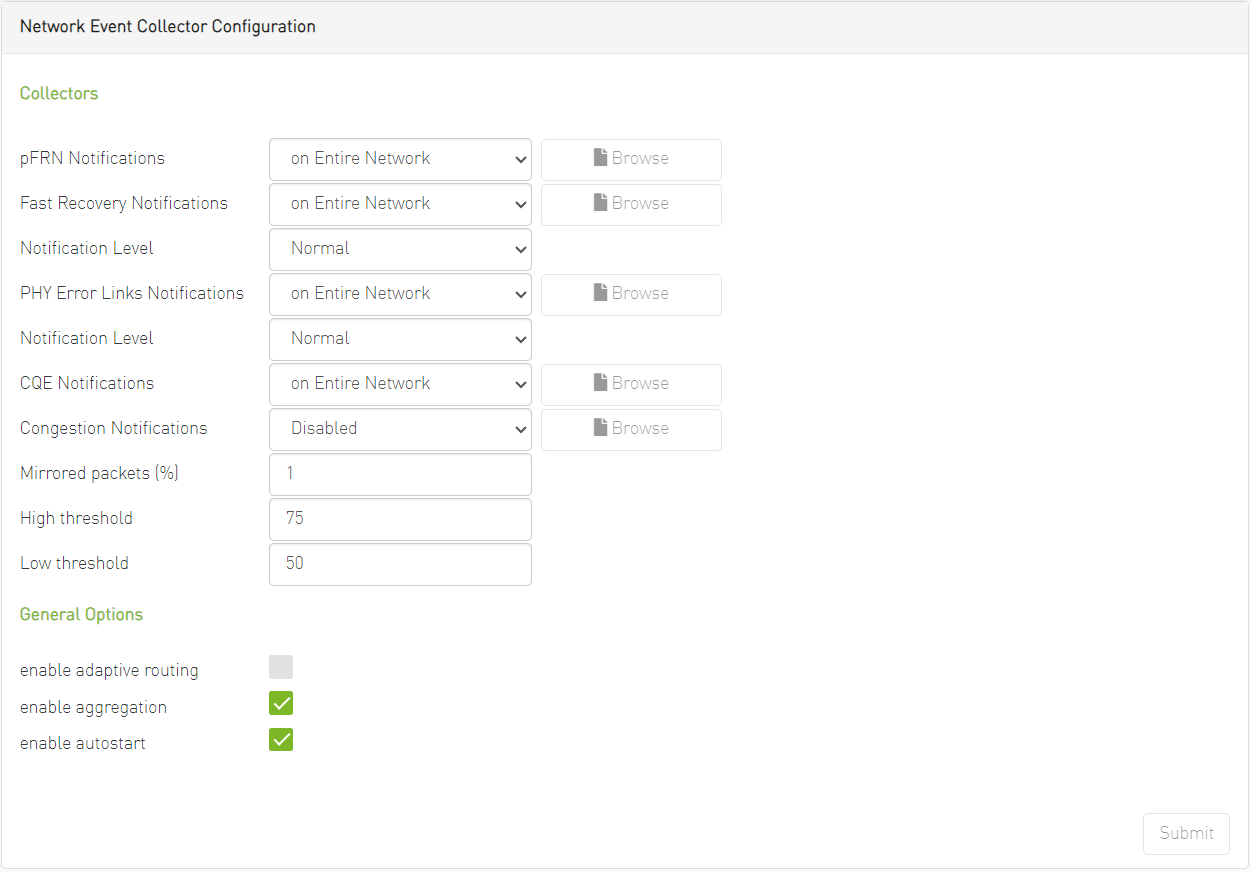
Upon completion of the plugin addition and subsequent refresh of the UFM GUI, the left navigation bar will display two new menu items. These two tabs can be observed in the following GUI screenshots
PMC UI
Network Event Collector Display
Network Event Collector Configuration
Last updated: