

Plugin management allows users to manage UFM plugins without using CLI commands. Under "Settings", there is a tab titled “Plugin Management”.
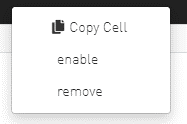
The functionality of the "Plugin Management" tab is to give the user the ability to add, remove, disable and enable plugins.
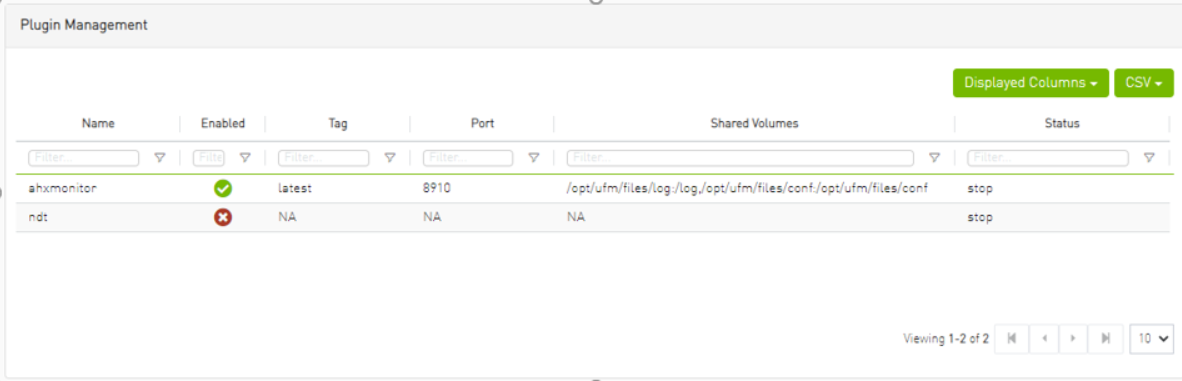
Actions:
-
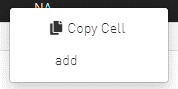
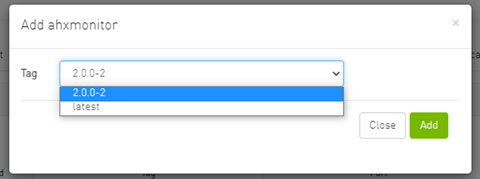
Add – Used to add a selected plugin, opens a model to select the needed tag.
-
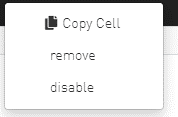
Remove – Used to remove a selected plugin.
-
Disable – Used to disable a selected plugin, so the plugin is disabled once the UFM is disabled.
-
Enable – Used to enable a selected plugin, so the plugin is enabled once the UFM is enabled.
-
Add ahxmonitor – Used to add a selected plugin; the action opens a modal to select the requested tag.
Last updated: