

UFM Web UI Supported Browsers
UFM Web UI is supported on all the following web browsers: Internet Explorer, Firefox, Chrome and Opera.
For optimal UFM Web UI performance, make sure you are using the latest version available of Google Chrome.
Launching UFM Web UI Session
Before accessing the UFM Web UI:
-
If required, you can change the configuration of the connection (port and protocol) between the UFM server and the APACHE server in the file gv.cfg:
-
ws_protocol = http or https
-
Setting the parameter ws_protocol to http allows unsecured access
-
Setting the parameter ws_protocol to https denies unsecured access.
-
-
ws_port = port number
-

-
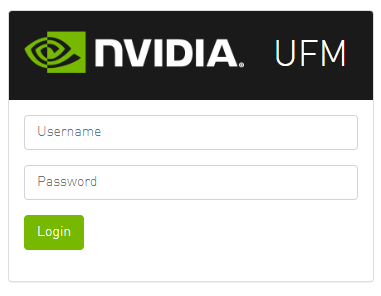
Launch the Web UI by entering the following URL in your browser:
http://<UFM_server_IP>/ufm
https://<UFM_server_IP>/ufm
-
In the Login page, enter your User Name and your predefined user Password and click Login.
Once you have entered your user name and password, the main window shows the UFM Dashboard. For more information, see the Fabric Dashboard.
Last updated: