


-
Open a CMD console-> Click Start-> Task Manager-> File-> Run new task-> and enter CMD.
-
Extract the driver and the tools:
MLNX_WinOF2-2_0_<revision_version>_All_x64.exe /a
To extract only the driver file
MLNX_WinOF2-2_0_<revision_version>_All_x64.exe /a /vMT_DRIVERS_ONLY=1 -
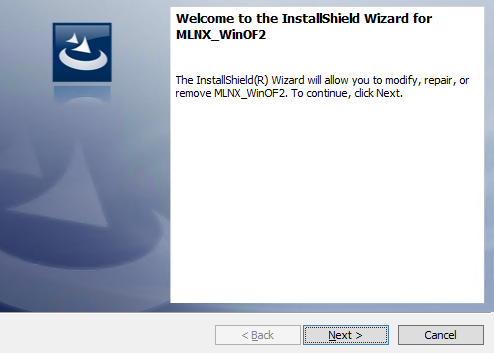
Click Next to create a server image.
-
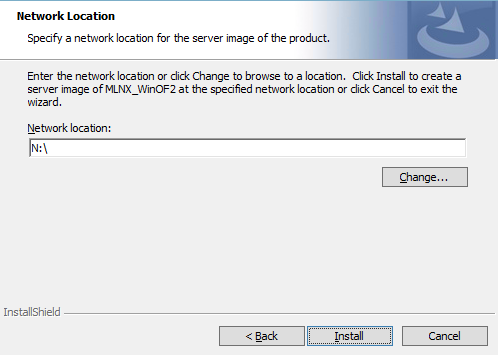
Click Change and specify the location in which the files are extracted to.
-
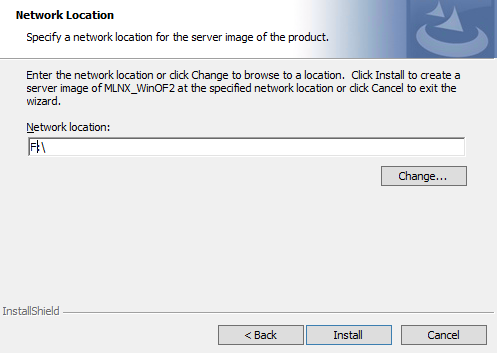
Click Install to extract this folder, or click Change to install to a different folder.
-
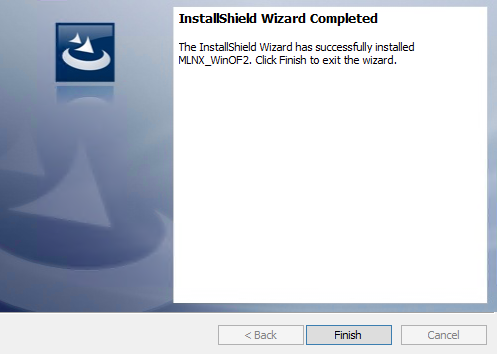
To complete the extraction, click Finish.
Last updated: