

In order for BlueField to PXE boot, the BlueField UEFI settings should be configured accordingly.
These settings may be changed directly on the UEFI menu by following these step:
-
Connect to the BlueField console via UART or RShim console.
-
Reboot Arm.
-
Interrupt the boot process into UEFI menu.
-
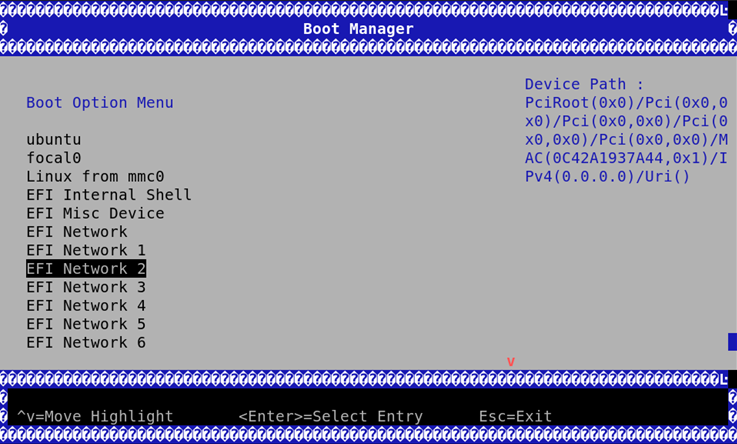
Access the Boot Manager menu.
-
Select the relevant port to PXE from.
To set up a PXE server, please refer to the documentation provided by the distribution vendor. For example, to install Ubuntu 20.04 or later, see official Ubuntu 20.04 documentation.
Last updated: