

|
Kit OPN |
Legacy OPN |
Rack Size and Rack Depth Range |
|---|---|---|
|
930-9NRKT-00JN-000 |
MTEF-KIT-J |
430-800 mm |
Package Contents (System and Rail-Kit)
-
1x System
-
1x Fixed rail kit for 16.9-31.5" (430-800mm) racks
-
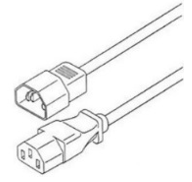
4x Power cables*:
-
2x 250V 10A 1830MM C14 TO C15 power cable
-
2x 110V 15A 1830MM C14 TO C15 UL power cable
-
1x Harness: HAR000631 – Harness RS232 2M cable – DB9 to RJ-45
-
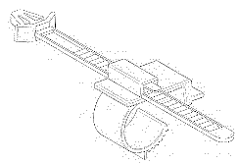
2x Cable retainers
Quantity
Item
4×
A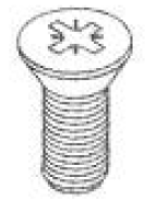
8× (of each)
B,C
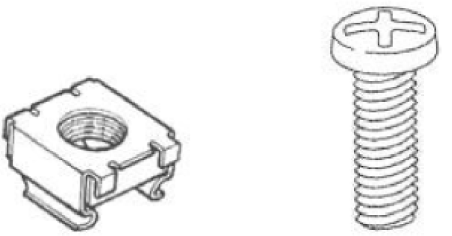
2× (of each)
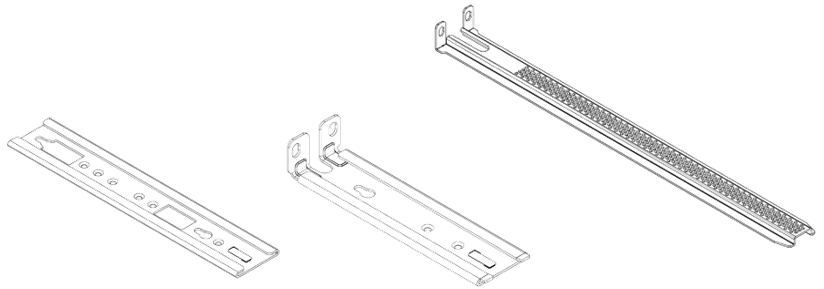
D,E,F
1×
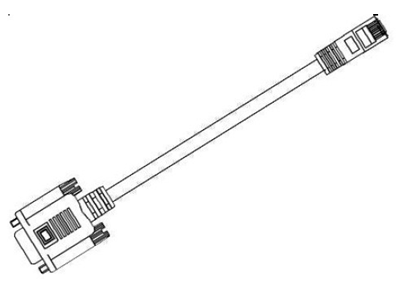
4×
2×
Installation Instructions
|
# |
Illustration |
|---|---|
|
1 |
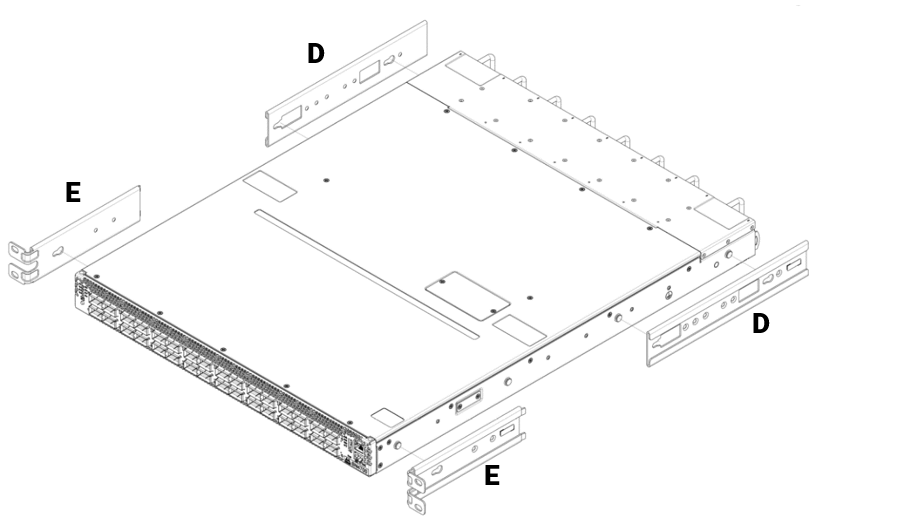
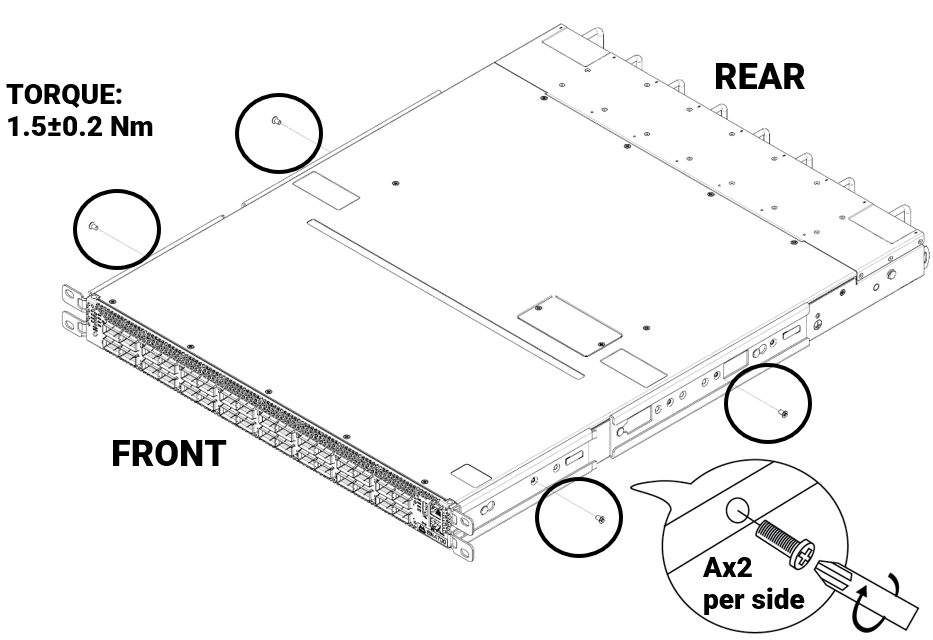
Attach parts D and E (x2 of each) to the switch. Push the switch chassis' pins through the slider key holes, until locking occurs. Pay attention to the rack's type. Short racks (430-580mm):
|
|
Standard racks (580-800mm):
|
|
|
2 |
Short racks:
|
|
Standard racks: 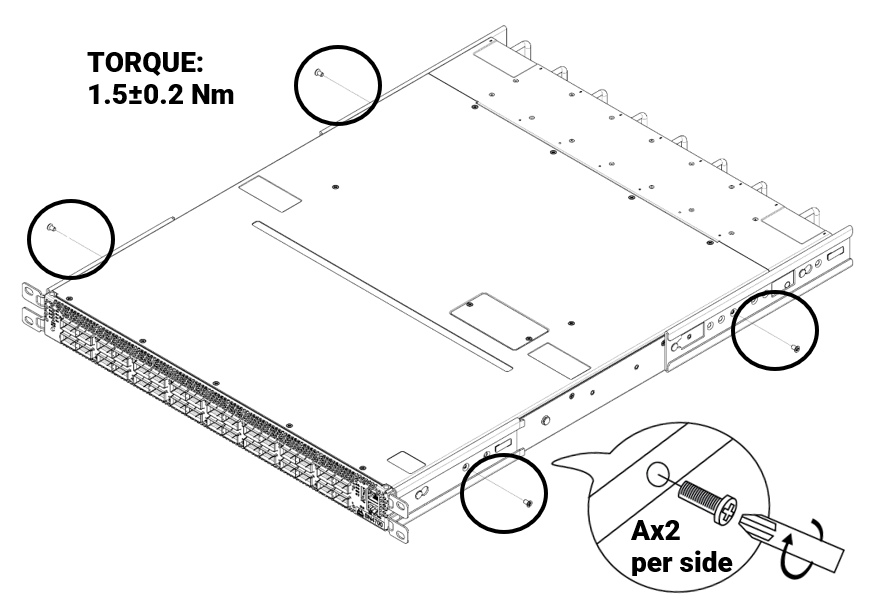
|
|
|
3 |
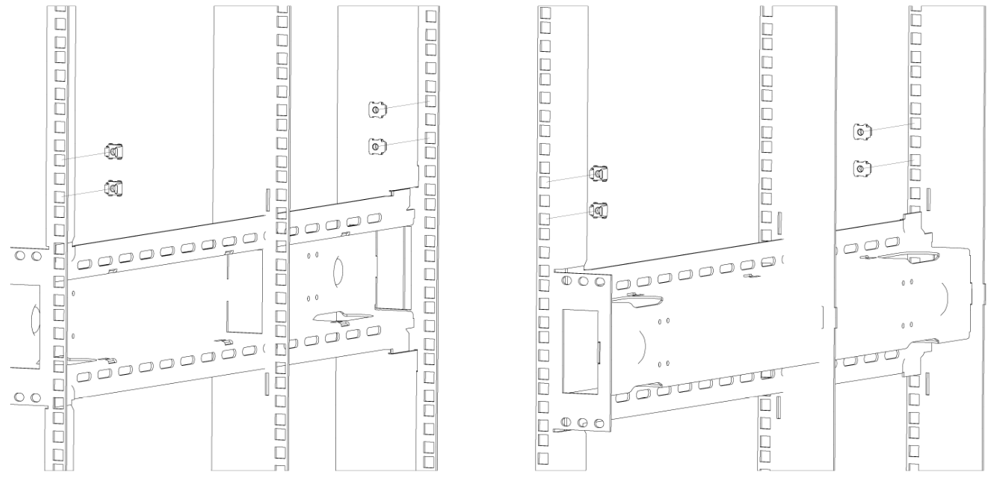
Install 8 cage nuts (B) in the desired 1U slots of the rack.
|
|
4 |
Do not tighten the screws yet. 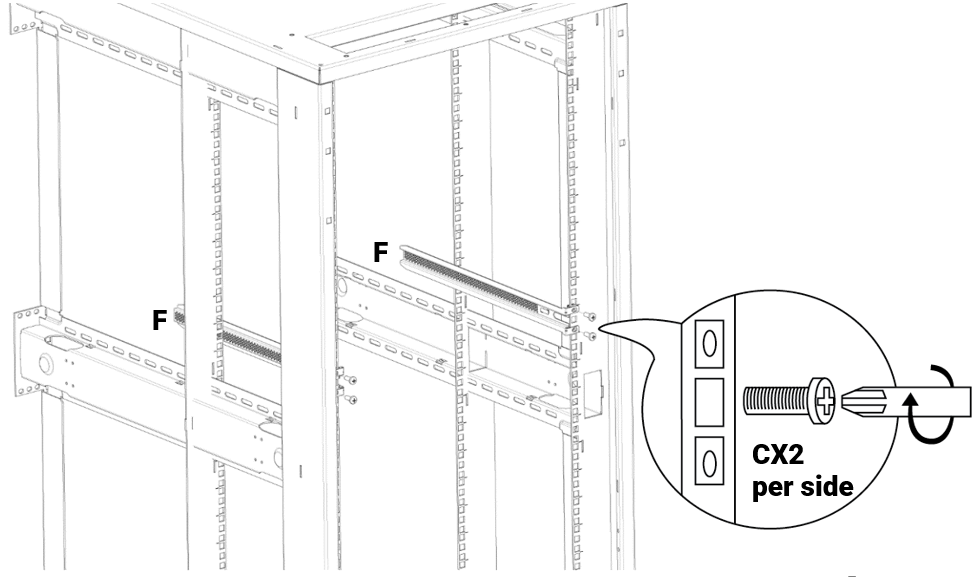
|
|
5 |
CRITICAL ORIENTATION REQUIREMENT The switch must be mounted in an upright position. Verify the correct orientation before inserting the unit into the rack rails. 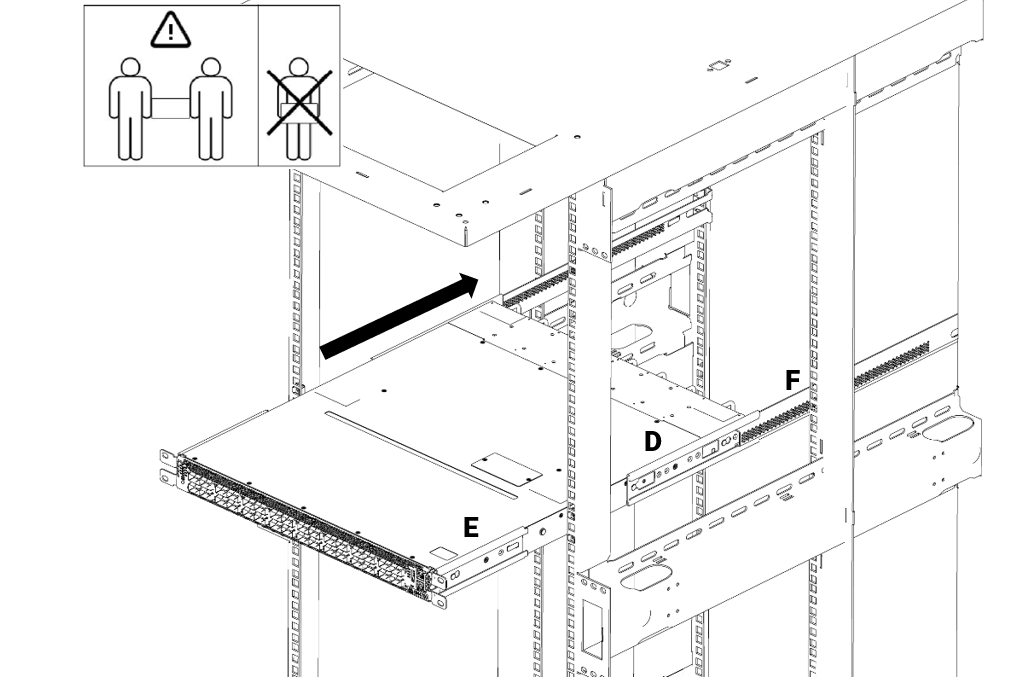
|
|
6 |
Tighten all M6 screws (C) with a torque of 4.5±0.5. 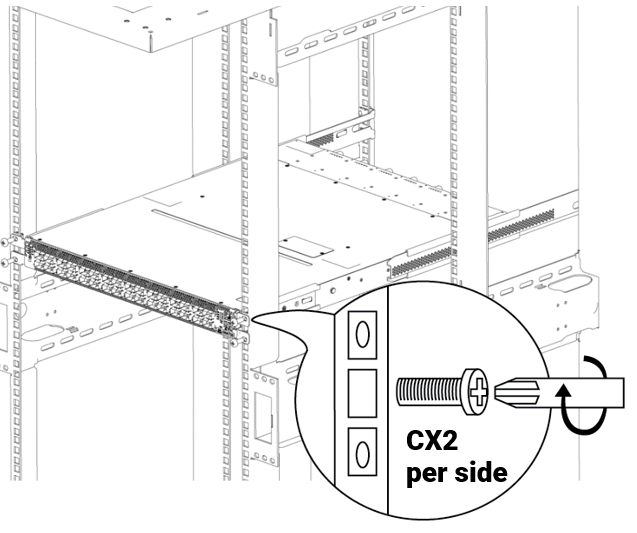
|
|
7 |
Optional - Using a cable retainer:
To secure the power cord inside the retainer, press the small tab on the retainer strip to loosen the loop. 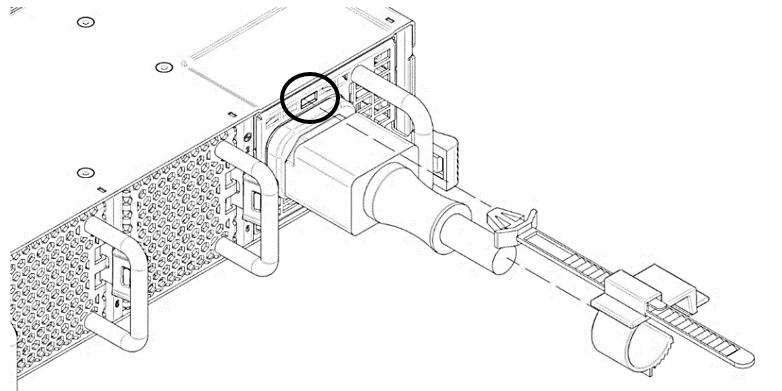
|
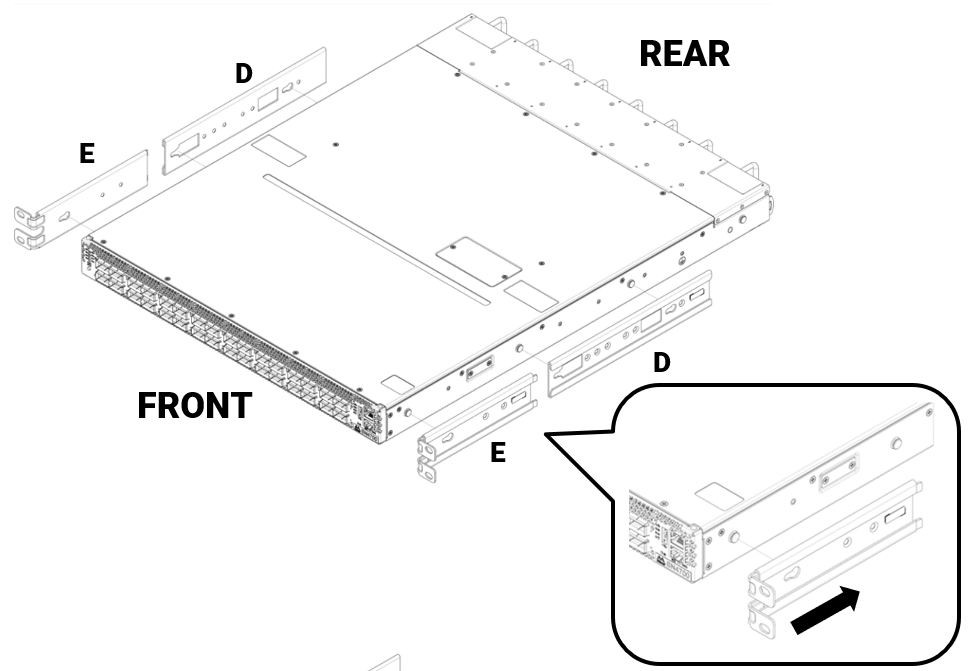
To remove a unit from the rack:
-
Turn off the system and disconnect it from peripherals and from the electrical outlet.
While your installation partner is supporting the system’s weight: -
Loosen the screws attaching the rack mount ears to the rack. Do not remove them yet.
-
Loosen the screws attaching the rack mount blades to the rack, and pull the blades towards you, while your partner is holding the system.
-
Extract the loosened screws from Step 2 and dismount the system from the rack.
-
Remove the rails and brackets from the chassis by unscrewing 4 screws.
Last updated: