

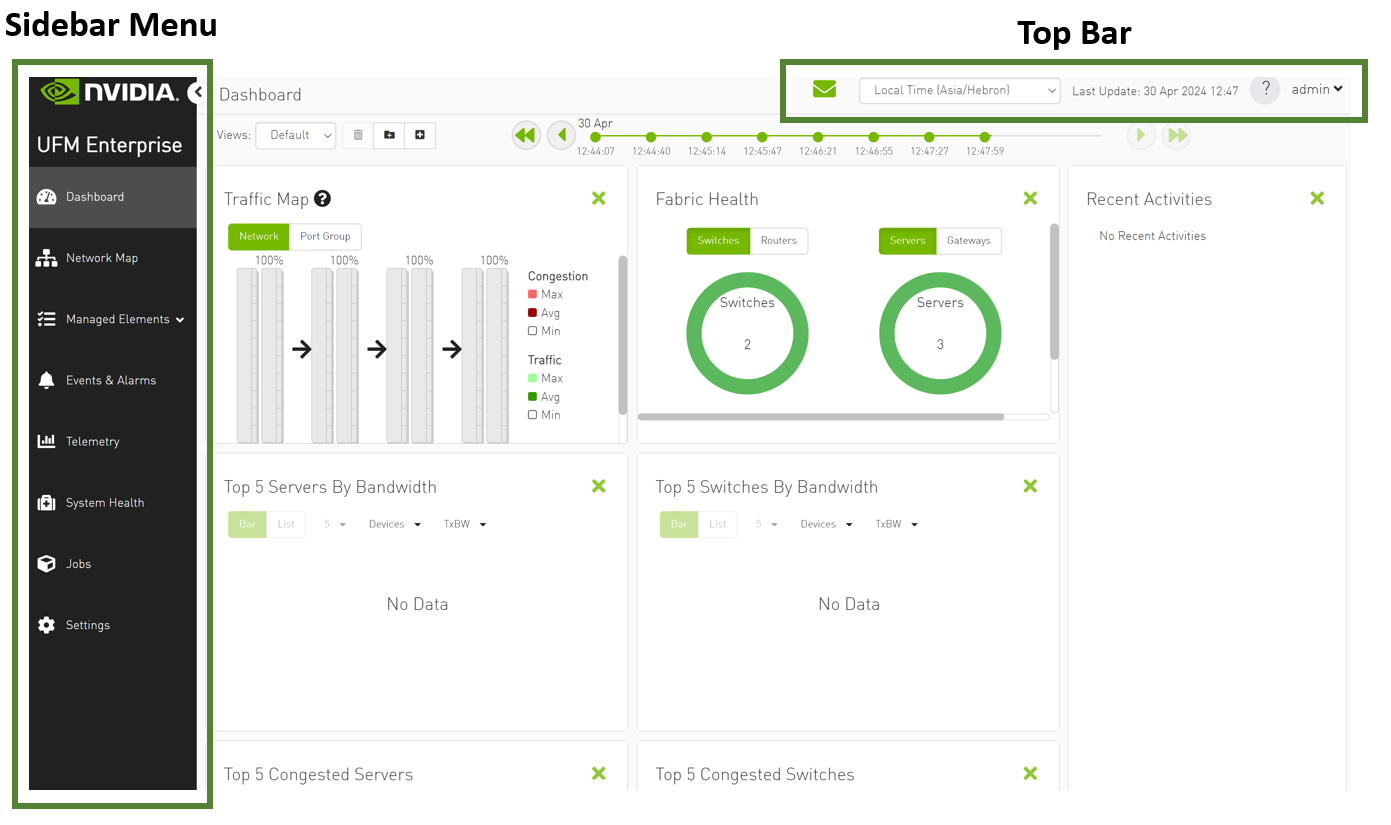
The UFM WebUI contains two main areas:
-
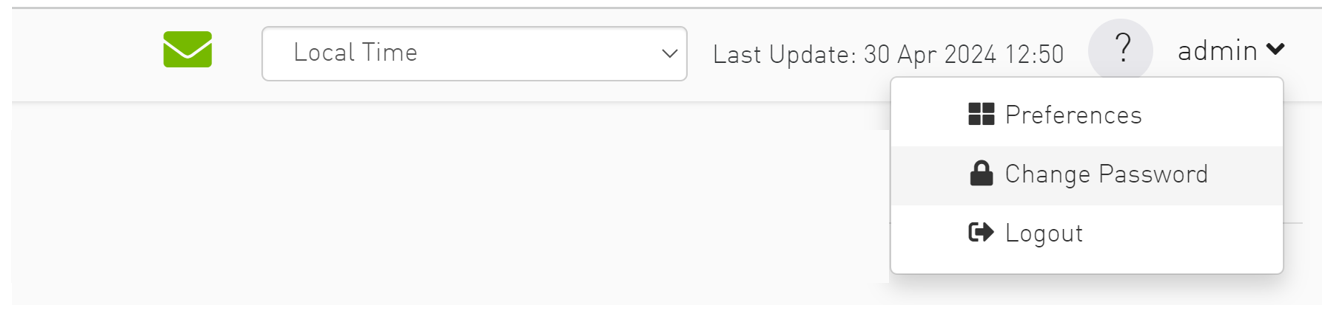
Top Bar - Contains local time zone and user information on the top right side of the screen.
-
Sidebar Menu - Contains a taskbar accessible from a sidebar menu on the left side of the screen. For more information on each tab, refer to UFM Web UI.
Top Bar
Each user can customize the UFM display, time zone, and date format, change their account password, and manage their preferences. For details, refer to Set User Preferences.
Sidebar Menu
|
Tab Icon |
Description |
|---|---|
|
|
Provides a summary view of the fabric status. |
|
|
Provides a hierarchical topology view of the fabric. |
|
|
Provides information on all fabric devices. This information is presented in a table format. |
|
|
Provides information on all logical servers. This information is presented in a table format. |
|
|
Provides information on the events & alarms generated by the system. |
|
|
Enables establishing monitoring sessions on devices or ports. |
|
|
Enables running and viewing fabric reports, UFM reports, and system logs. You can also back up UFM configuration files. |
|
|
Provides information on all jobs created, as a result of UFM actions. |
|
|
Enables configuring UFM server and UFM fabric settings, including events policy, device access, network management, subnet manager, and user management |

Last updated: