

This tab allows users to validate secured BareMetal Cloud configurations for CSP/NCP deployments. The verification logic checks infiniBand network security settings (opensm.conf, gv.cfg) and partition/PKey configurations, reporting errors, warnings, and info based on the verbosity level.
To generate a new InfiniBand Network Security Validation report:
-
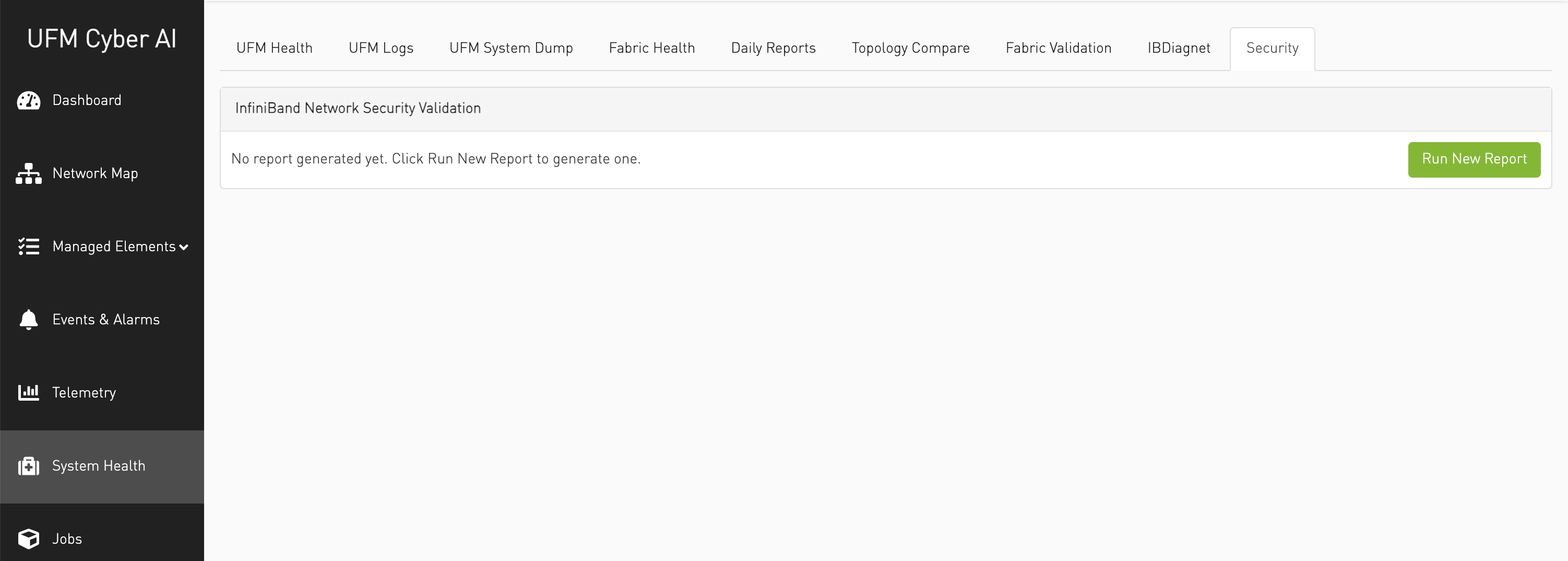
Please navigate to the System Health tab, then select the Security tab. From there, click on Run New Report.
-
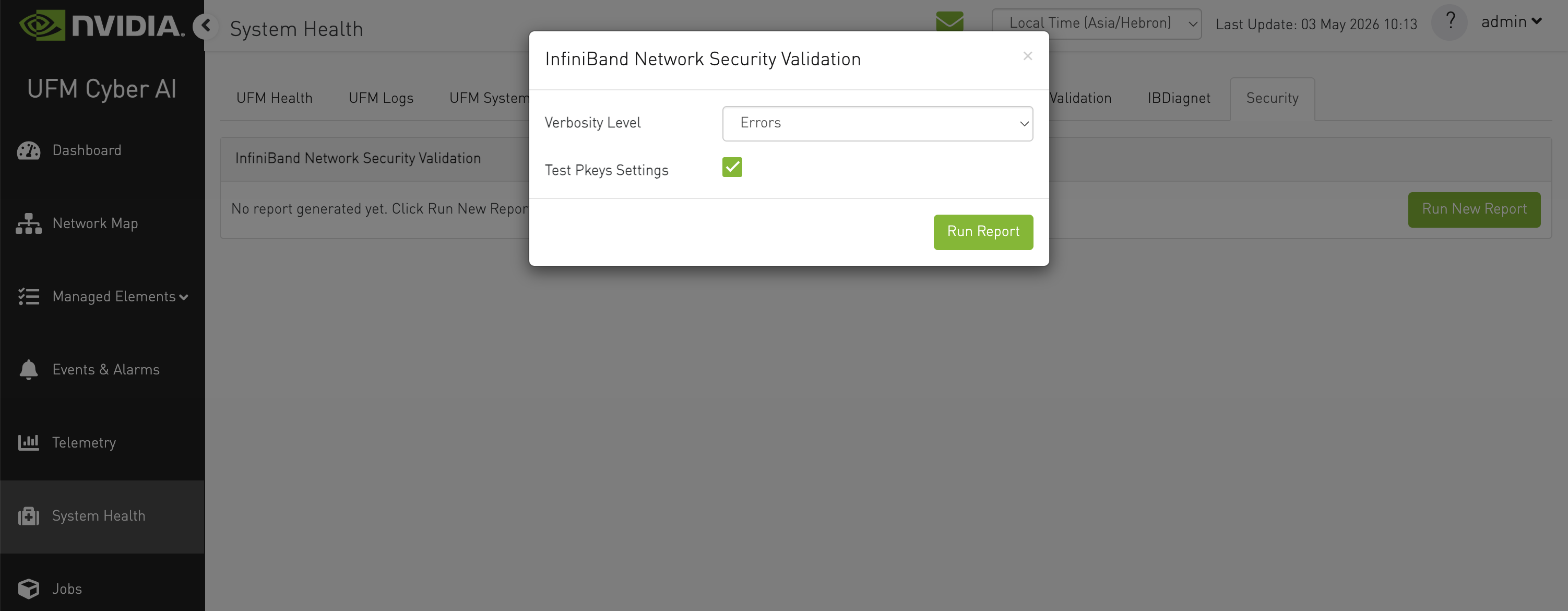
Select the desired verbosity level (Errors, Errors and Warnings, or Errors, Warnings, and Info), as well as the Test PKeys setting, and then click Run Report.
-
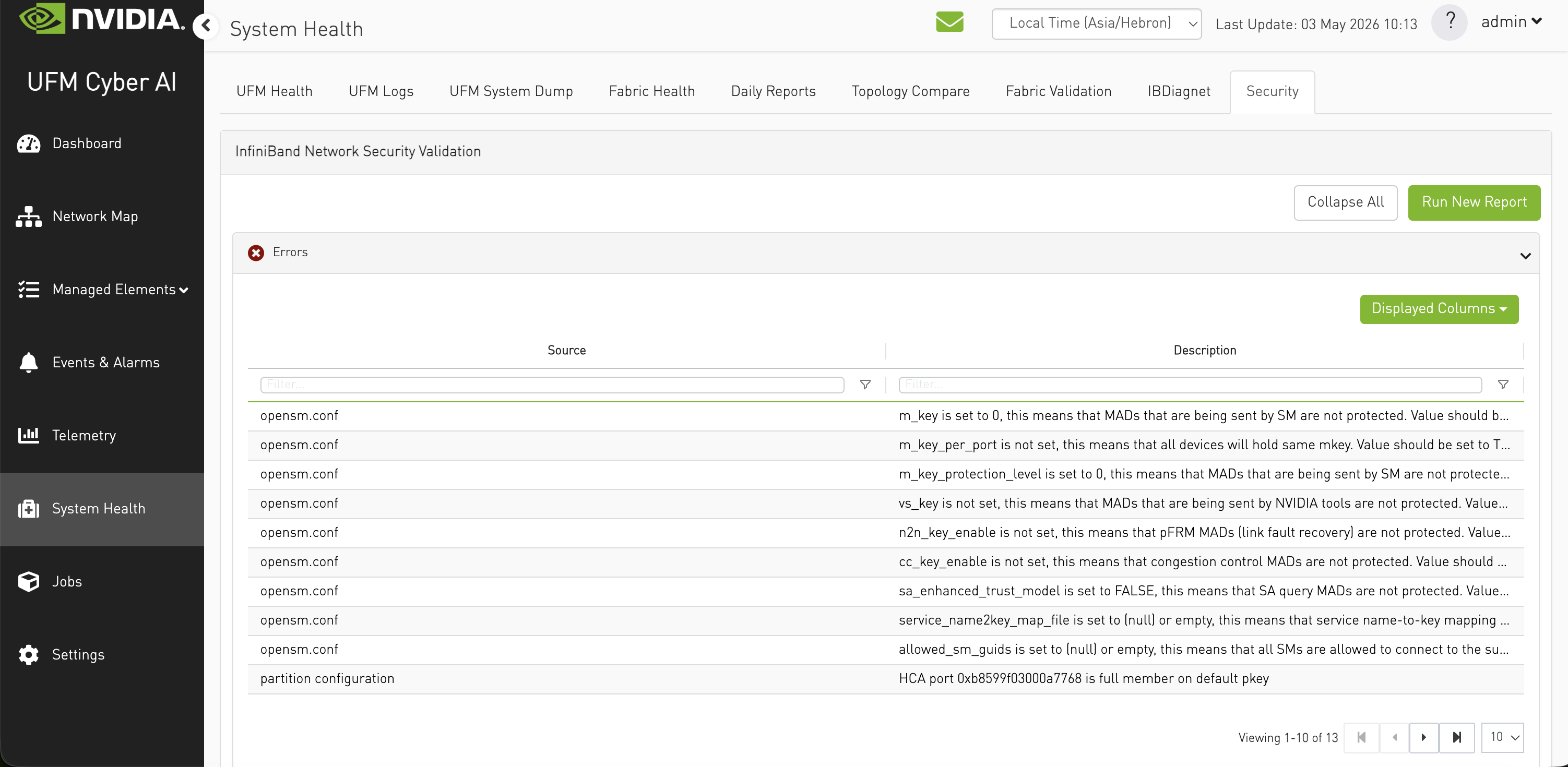
Once the report is completed, the results will display a list of Errors, Warnings, and Information messages based on the selected verbosity level.
Last updated: