

To extract the files without running installation, perform the following steps.
-
Open a CMD console
[Windows Server 2012 / 2012 R2/ 2016]: Click Start → Task Manager → File → Run new task → and enter CMD. -
Extract the driver and the tools:
MLNX_VPI_WinOF-<version>_All_win2016_x64.exe /a• To extract the driver files only:
MLNX_VPI_WinOF-<version>_All_win2016_x64.exe /a /vMT_DRIVERS_ONLY=1 -
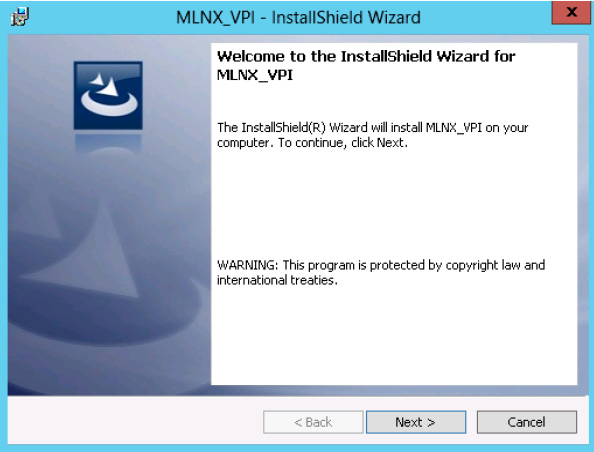
Click Next to create a server image.
-
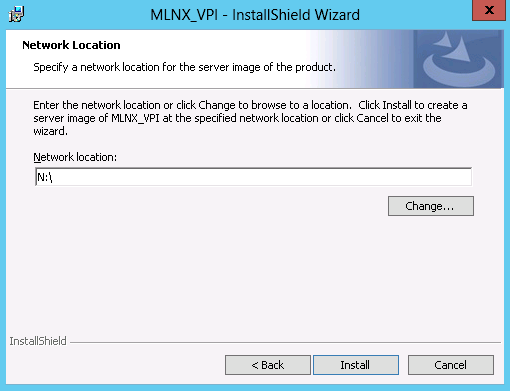
Click Change and specify the location in which the files are extracted to.
-
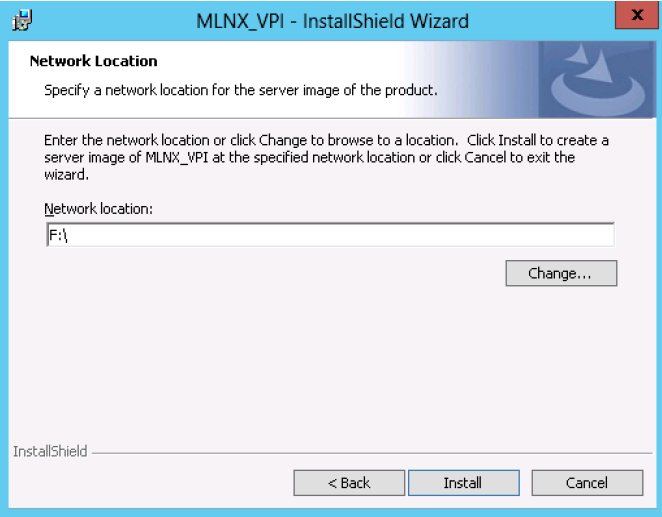
Click Install to extract this folder, or click Change to install to a different folder.
-
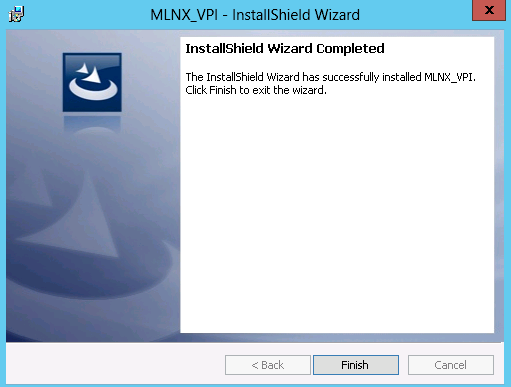
To complete the extraction, click Finish.
Last updated: