

The following steps describe how to configure advanced features.
-
Display the Device Manager.
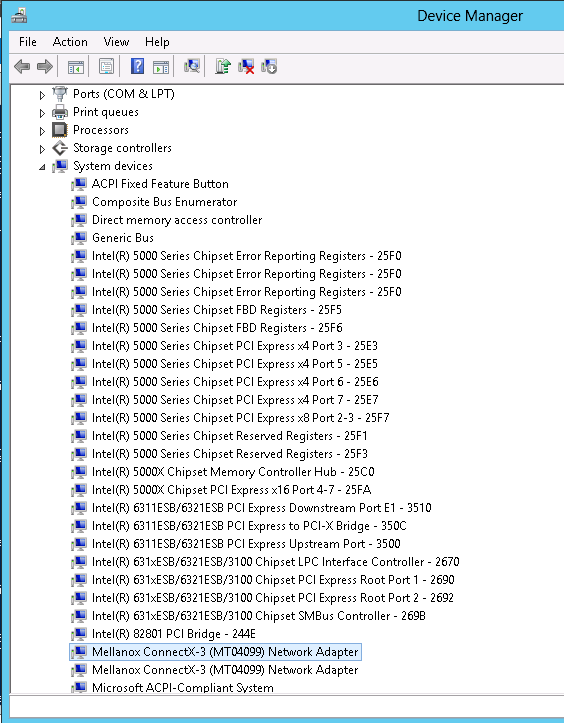
-
Right-click a Mellanox network adapter (under “Network adapters” list) and left-click Properties. Select the Advanced tab from the Properties sheet.
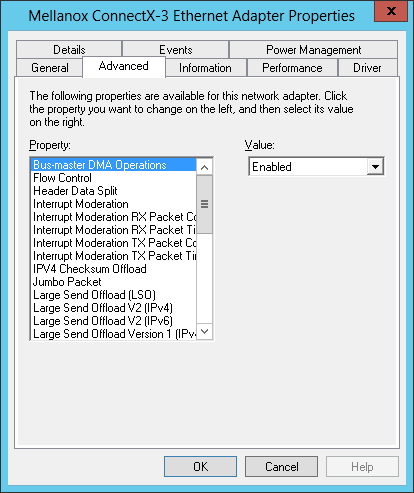
-
Modify configuration parameters to suit your system.
Please note the following:For help on a specific parameter/option, check the help button at the bottom of the dialog.If you select one of the entries Off-load Options, Performance Options, or Flow Control Options, you’ll need to click the Properties button to modify parameters via a pop-up dialog.
Last updated: