

Adding a Data Source
-
Navigate to Data Sources and select the appropriate tab for your source type.
-
Click

-
Click

-
If the connection is successful, click

Each endpoint displays a last updated timestamp showing when its status was last checked.
You can also upload a CSV file with endpoint credentials to add multiple sources at once.
Adding Redfish Host
Required fields: BMC IP, Protocol, Username, Password (IPv4 and IPv6 supported).
Example:
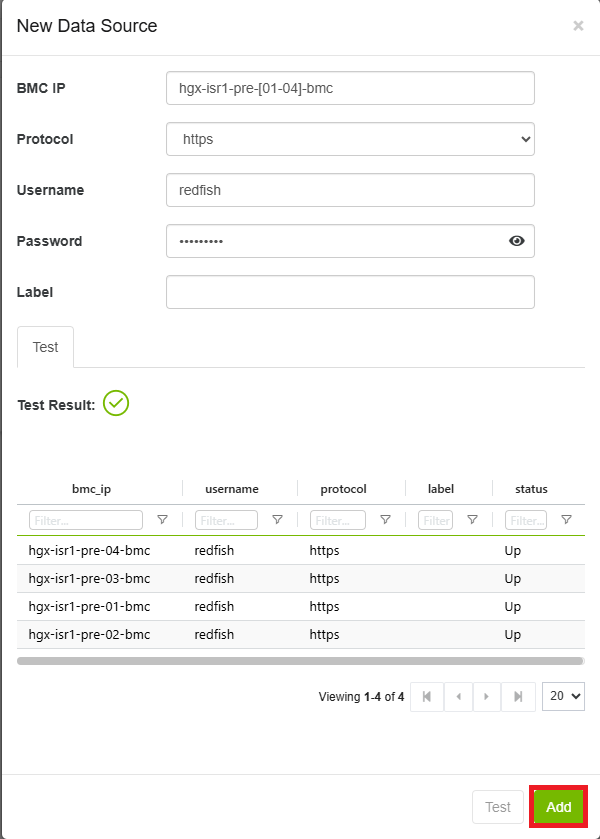
Note: When adding multiple Redfish hosts, all hosts must be the same model and vendor. Mixed models can cause issues with data collection and display.
Adding DTS Host
Required fields: Host IP, Mode, Port
Example:
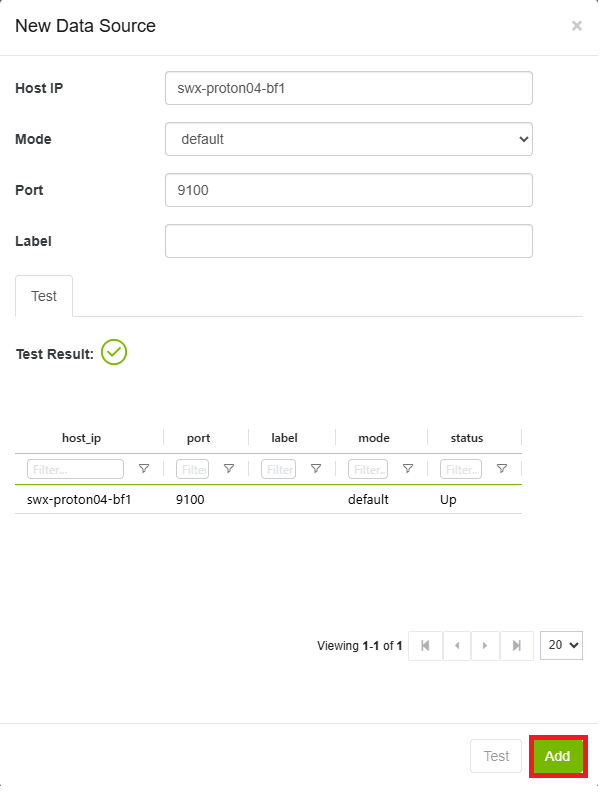
Note: The Mode dropdown has two options:
-
Default — runs continuously on endpoints
-
Adhoc — runs once; requires Username and Password
Adding Switch Host
Required fields: Switch IP, Username, Password
Example:
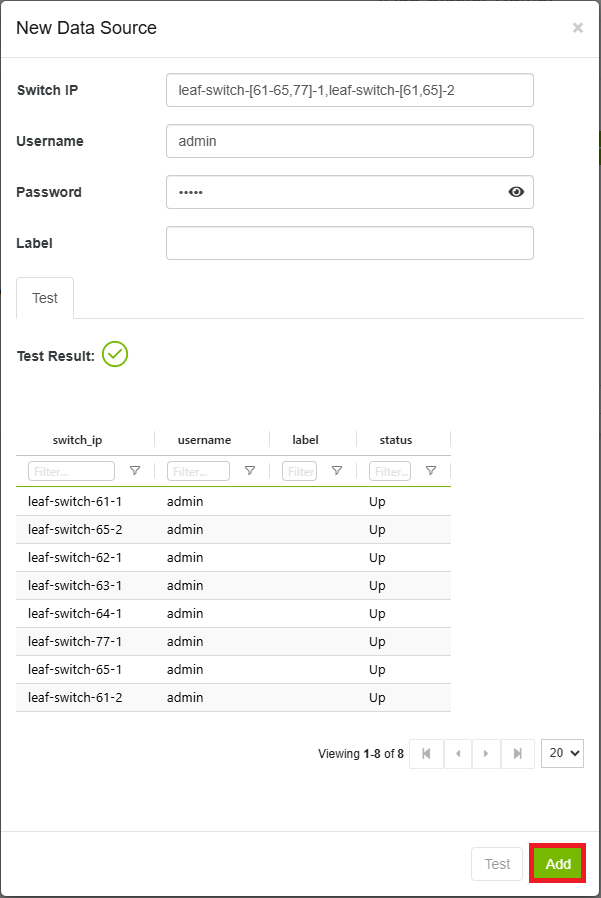
Note: When adding multiple switch hosts, all must run the same OS type. Mixed OS types can cause issues with data collection and display.
Adding Unmanaged Switch Host
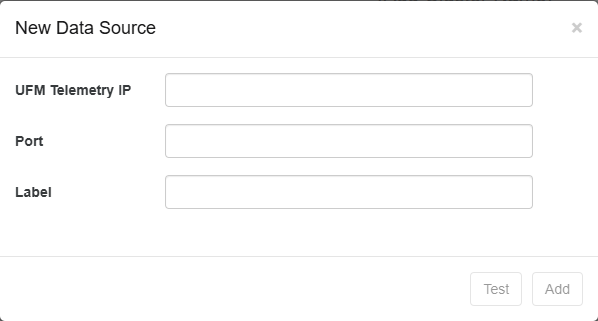
Required fields: UFM Telemetry IP, Port
Example:
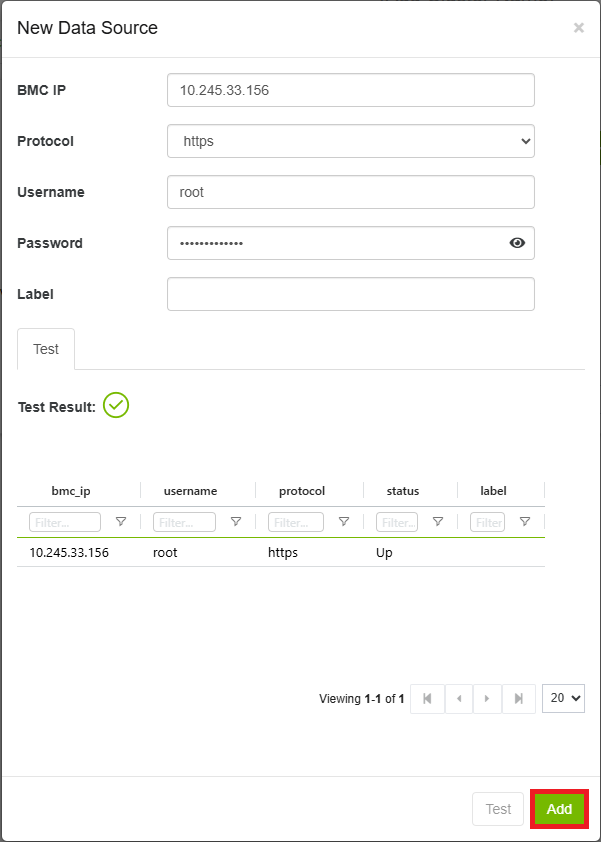
Adding Redfish DPU Host
Required fields: BMC IP, Protocol, Username, Password
Example:
Adding NMX Host
Required fields: NMX Aggregator Info, NMX-C Host IPs, NMX-C Port
Example:
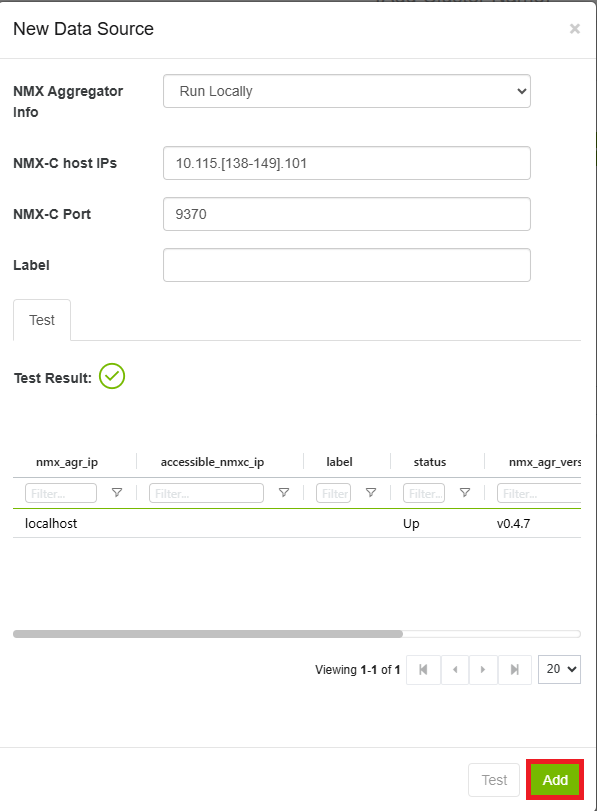
Note: The NMX Aggregator Info dropdown has two options:
-
Run Locally — default mode
-
Existing Remote Aggregator — requires NMX Aggregator IP and Port
Adding CDU (Coolant Distribution Unit) Host
Required fields: SRC IP, Protocol, Username, Password
Note: Currently only XDU1350 and RM100 are supported.
Adding DDN Host
Required fields: DDN IP, Username, Password
Adding DPU DTS Host
DPU Requirements
Before adding a DPU DTS host, confirm the following:
-
OS: Ubuntu 20 or 22
-
BlueField: BF2 or BF3
-
DTS version: > 1.12
-
DPE service is running
-
DTS_CONFIG_DIR=ufmis configured in your YAML
In doca_telemetry_standalone.yaml, update the command to:
command: ["/bin/bash", "-c", "DTS_CONFIG_DIR=ufm /usr/bin/telemetry-init.sh && /usr/bin/enable-fluent-forward.sh"]
Required fields: Host IP, Mode, Port
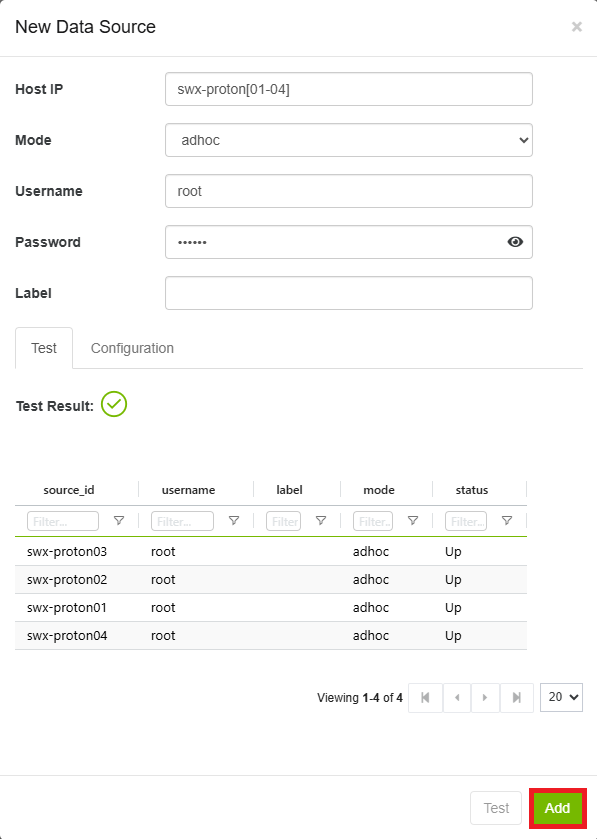
Note: Mode options are Default (continuous) and Adhoc (single run, requires Username and Password).
Adding CM HTTP Host
Required fields: SRC IP, Protocol, Username, Password, Port, APIs, Frequency
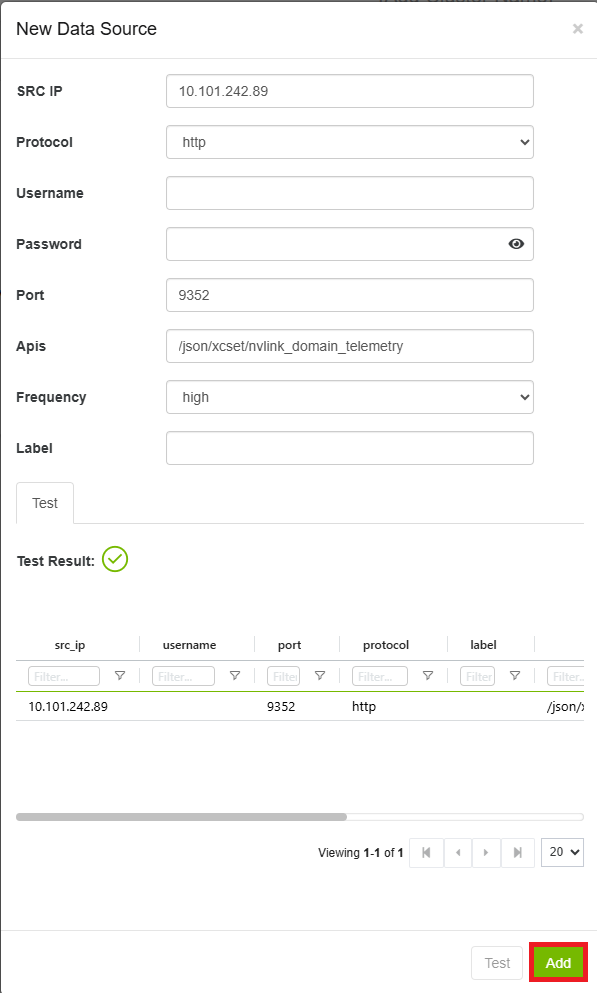
Note: The Frequency dropdown ranges from Minimal to High, controlling how often the API is sampled.
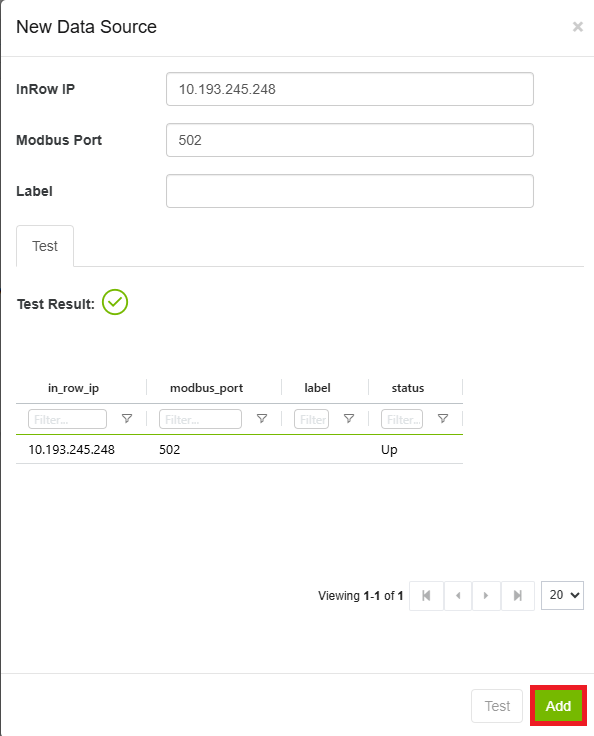
Adding InRow Host
Required fields: InRow IP, Modbus Port
Example:
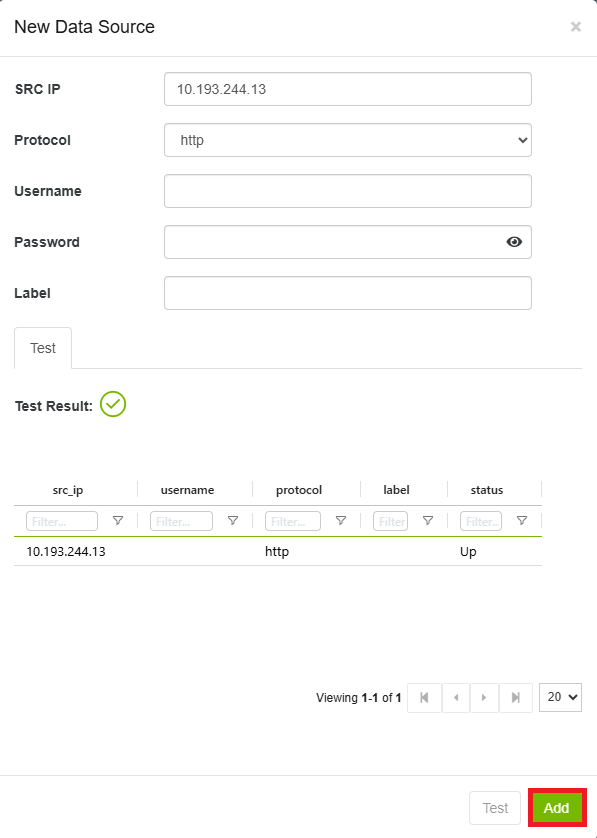
Adding Satec Host
Required fields: SRC IP, Protocol, Username, Password
Example:
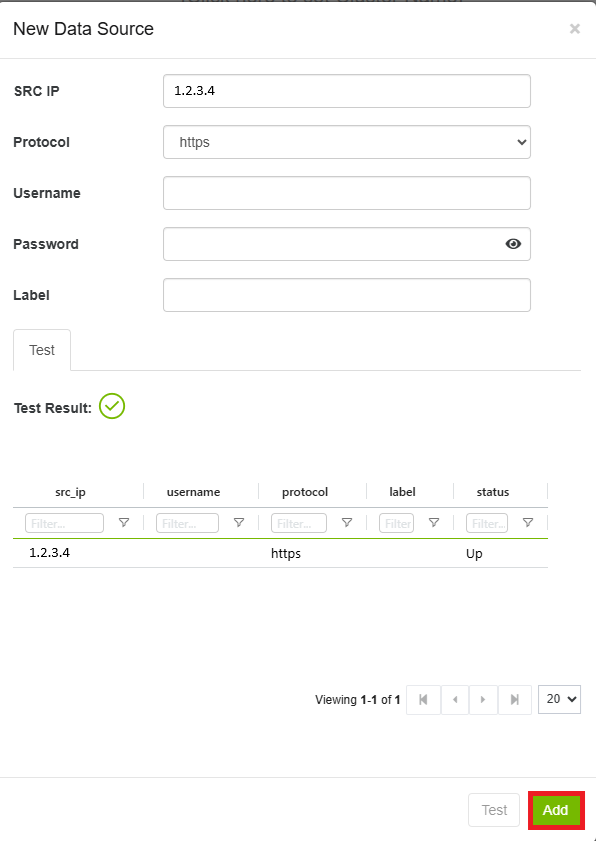
Adding UPS Host
Required fields: SRC IP, Protocol, Username, Password
Example:
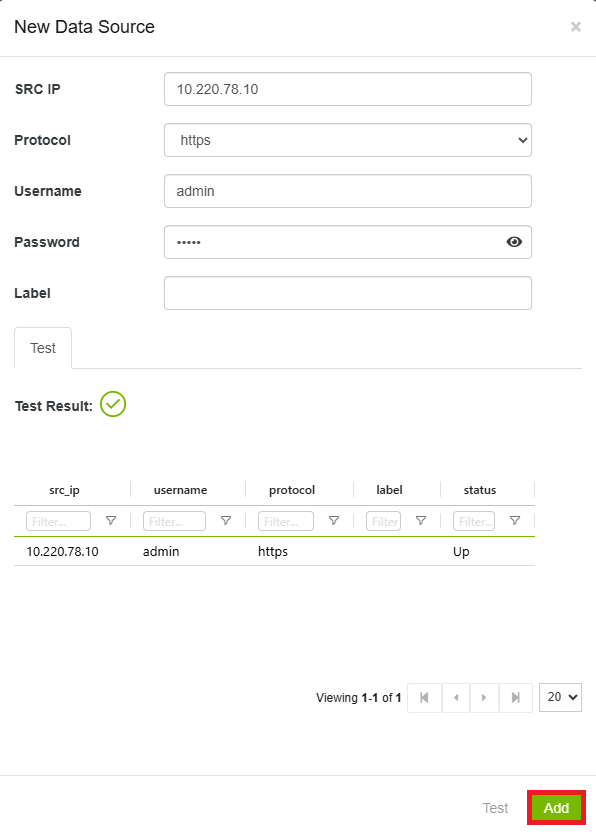
Adding Energy Valve Host
Required fields: SRC IP, Protocol, Username, Password
Example:
Custom (User-Generated) Data Source Type
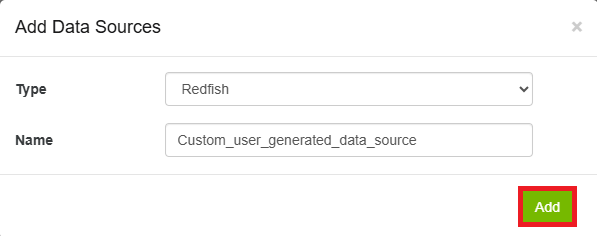
To create a custom data source type, click the Add Type button in the data types row. Fill in:
-
Type — one of: Redfish, Switch, Host DTS, CM HTTP
-
Name
Click Add to save. A page refresh is required for the new type to appear in the sidebar.
Example:
Last updated: