

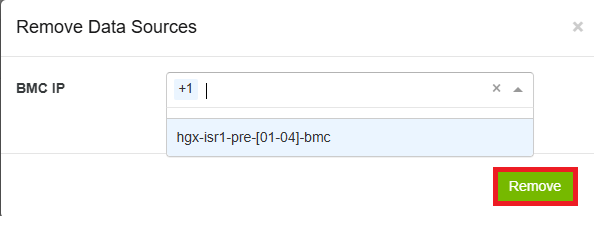
In the Data Sources section, right-click any endpoint and select Remove, or use the Remove button and select the endpoint IP to delete.
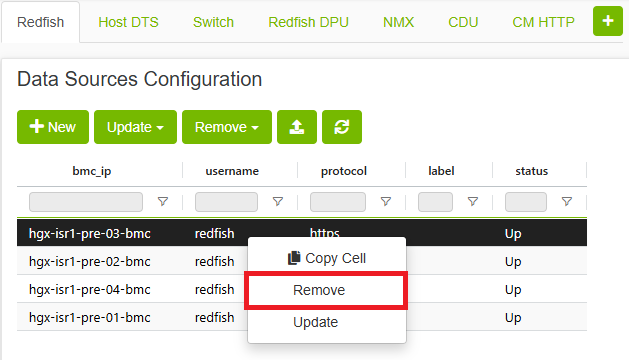
To remove a custom data source type, right-click it and select 
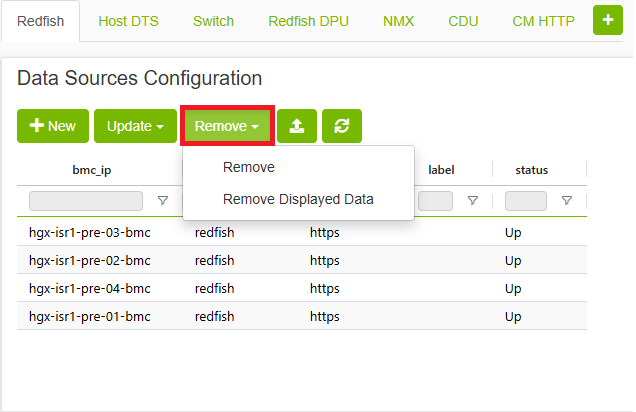
To open the Remove Data Sources form, which contains the IP field. After selecting the appropriate IP, click the 
Last updated: