

In the Data Sources section, right-click any endpoint and select Update, or use the Update button to open the update form.
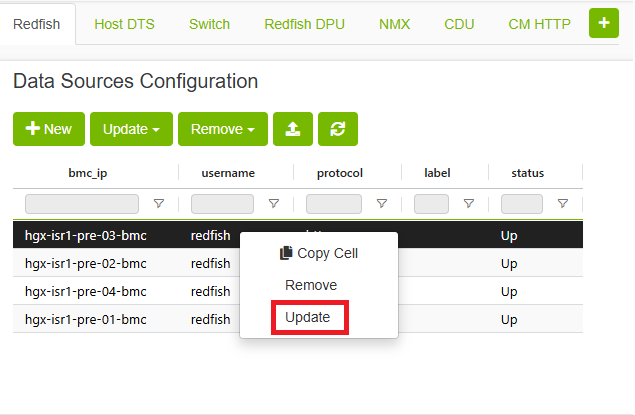
You can also use the 
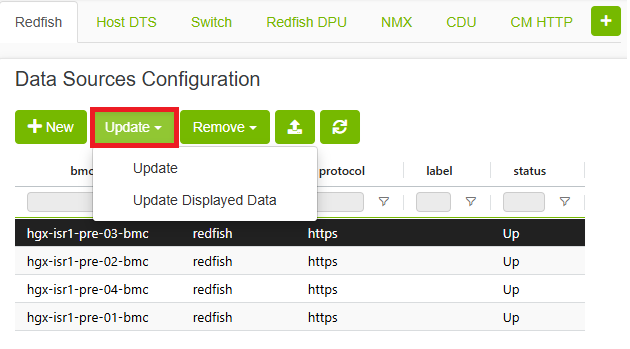
To open the Update Data Sources form, which contains the IP field. After filling in the appropriate fields, click the 

Last updated: