

Collector management contains tabbed view for operating the CVT collector service and monitoring its health.
Service Controls
Operational controls for validation and the CVT service itself.
-
Validation Controls: Start Validation / Stop Validation button, with state-aware labels (Starting…, Stopping…). Command output opens in a polling results window.
-
Service Information: Placeholder for a future table showing version, mode, ports, and data directory.
-
CVT Service: Stop CVT Service with confirmation modal. On success, redirects to the server error handler view (service is no longer available).
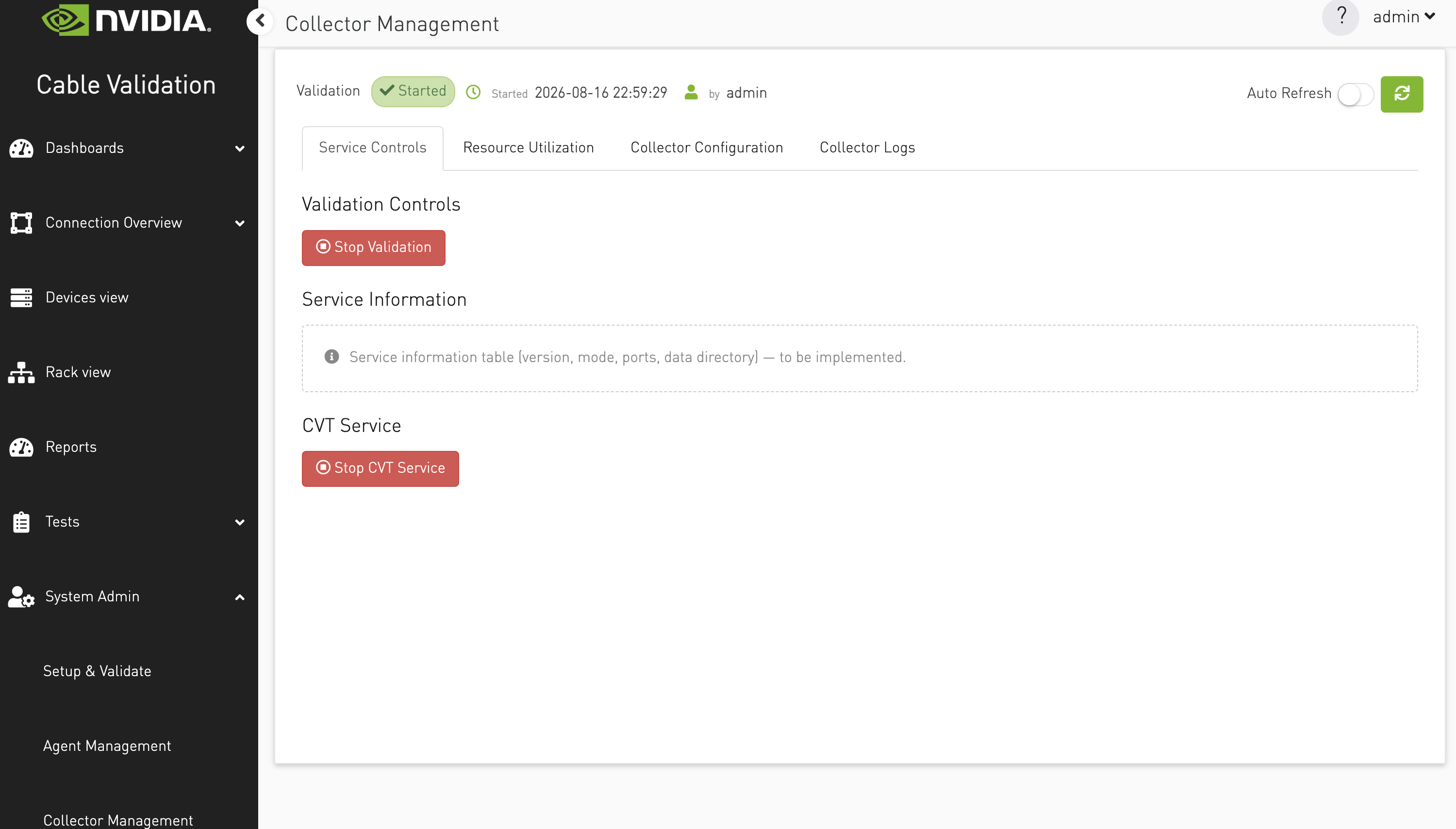
When clicked, the service is gracefully stopped, and the user is redirected to a dedicated page that displays the current service status.

Resource Utilization
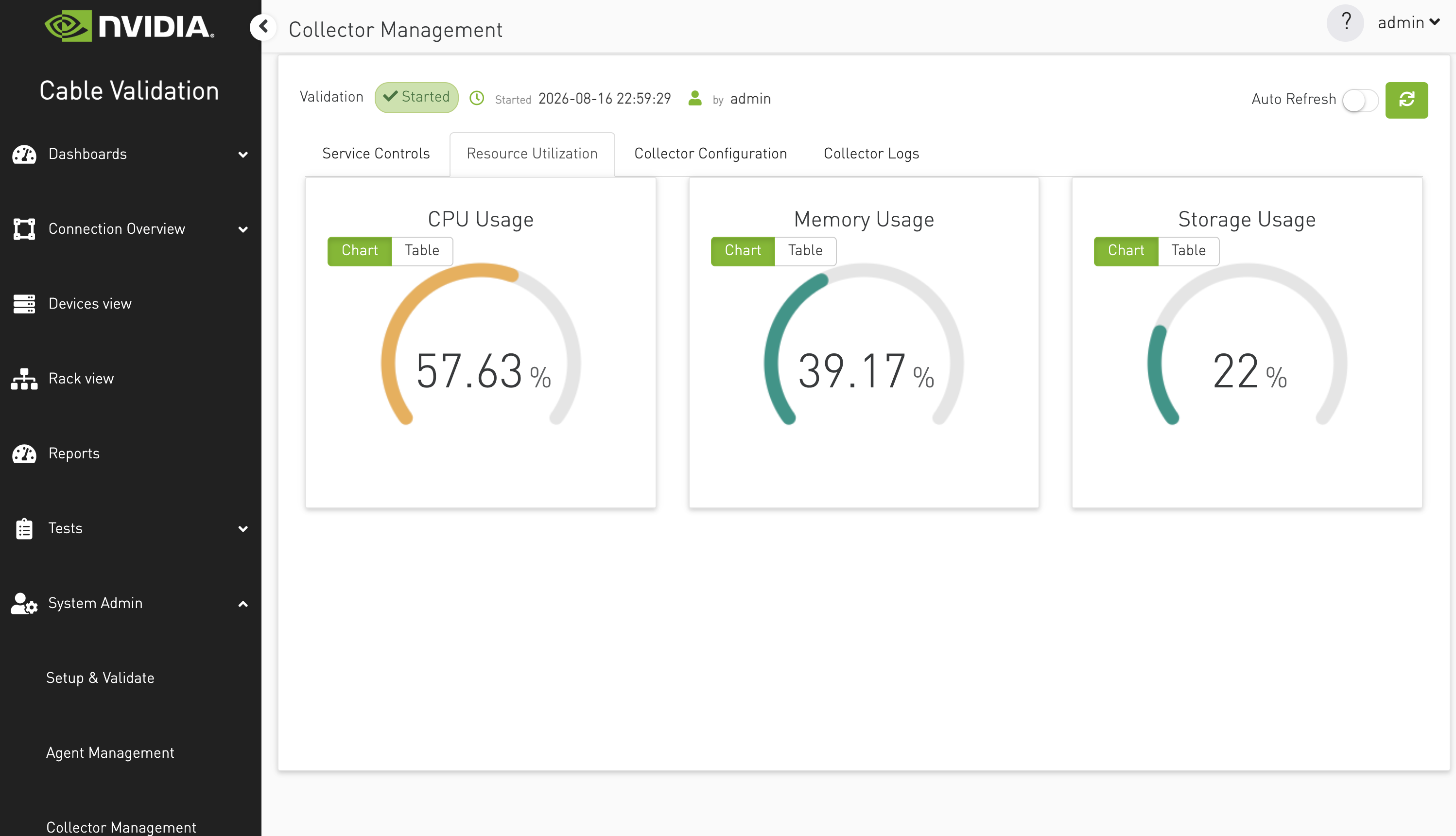
Resource utilization is used to track CVT system health and understand how it impacts resource consumption. It will be analyzed across three key areas: storage, memory, and CPU usage.
This analysis will help monitor system performance, optimize resource allocation, and ensure efficient operation.
CPU utilization is calculated over a 3-second interval, meaning it will take 3 seconds for the CPU utilization data to be available.
Collector Logs
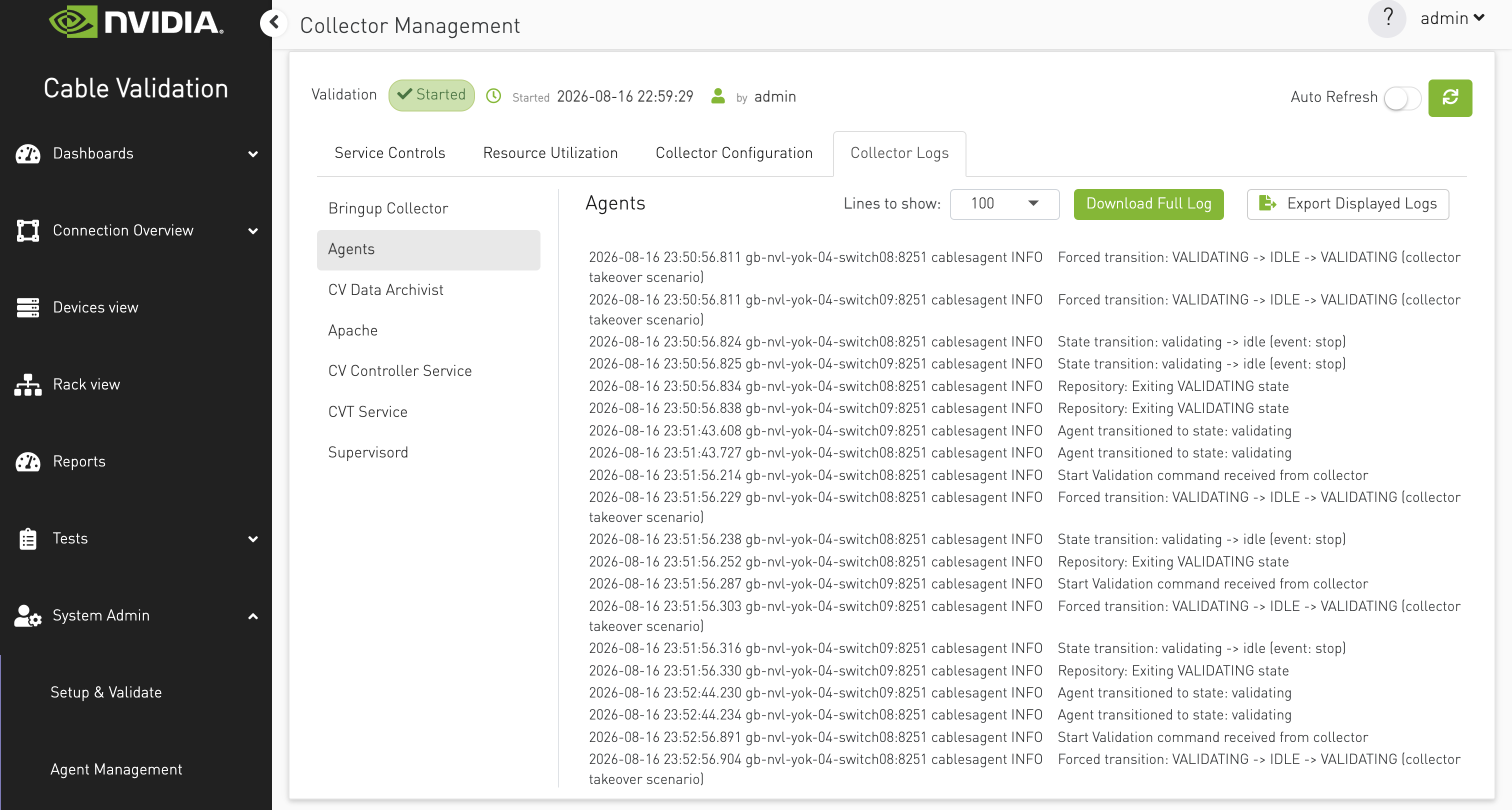
Sidebar — log types from GET /logs/collector (labels such as Bringup Collector, Agents, Apache, …).
-
Selecting a type automatically loads the latest tail.
-
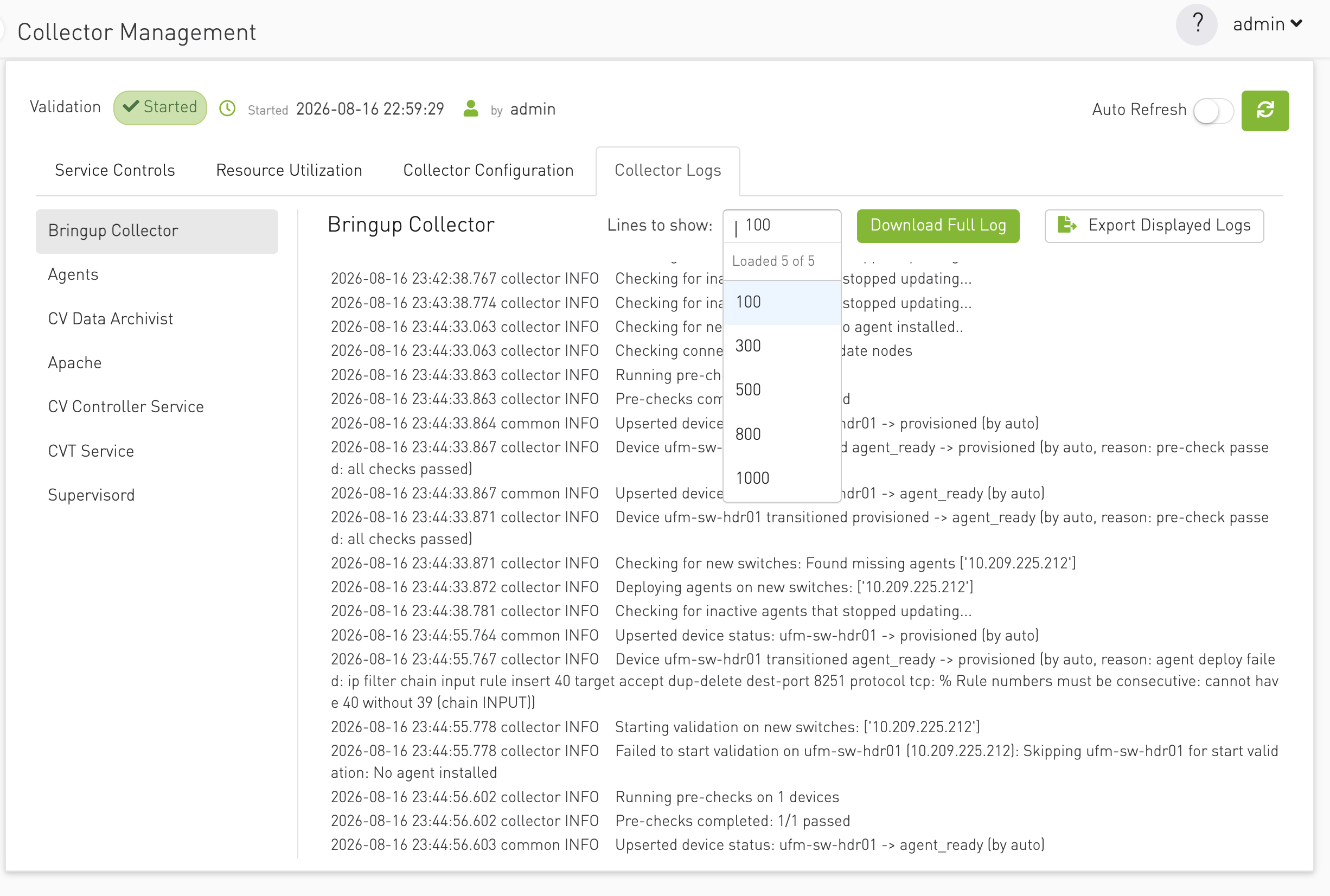
Lines to show — dropdown: 100, 300, 500, 800, 1000; changing it refetches the tail for the current log type.
-
Download Full Log —
GET .../downloadfor the selected type. -
Export Displayed Logs — saves the text currently in the panel (the tail), not the full file.
Option to select number of latest logs to display.
Click on buttons to download full log file or export the latest logs loaded on the page:
Last updated: