

Users Management is where administrators create and maintain local CVT login accounts for standalone deployments.
Availability: Standalone CVT deployments only. Hidden and route-guarded when CVT runs embedded in UFM.
User table columns: Name (with icon for the currently logged-in user), Account Type.
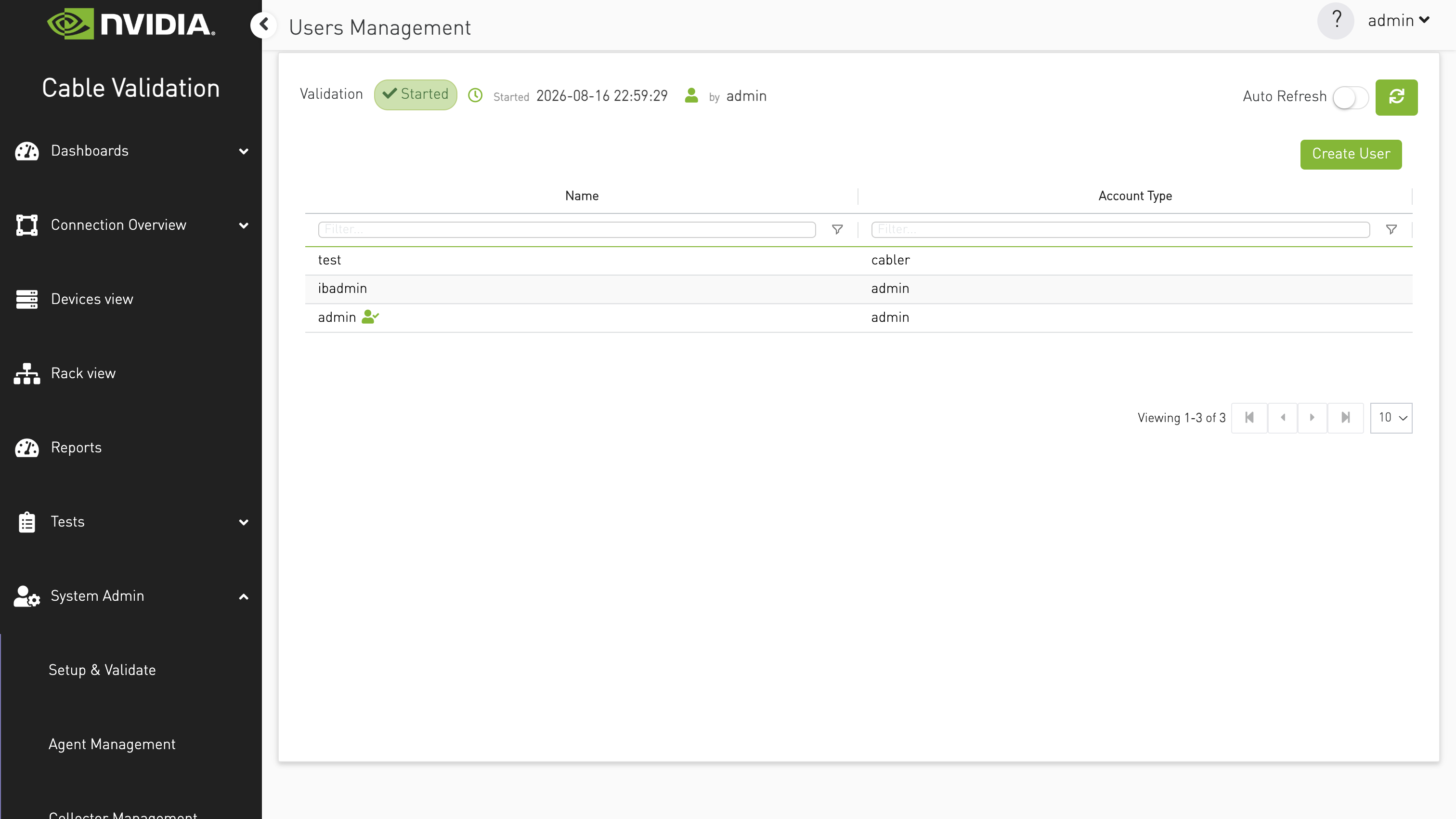
Actions:
|
Action |
How |
|---|---|
|
Create User |
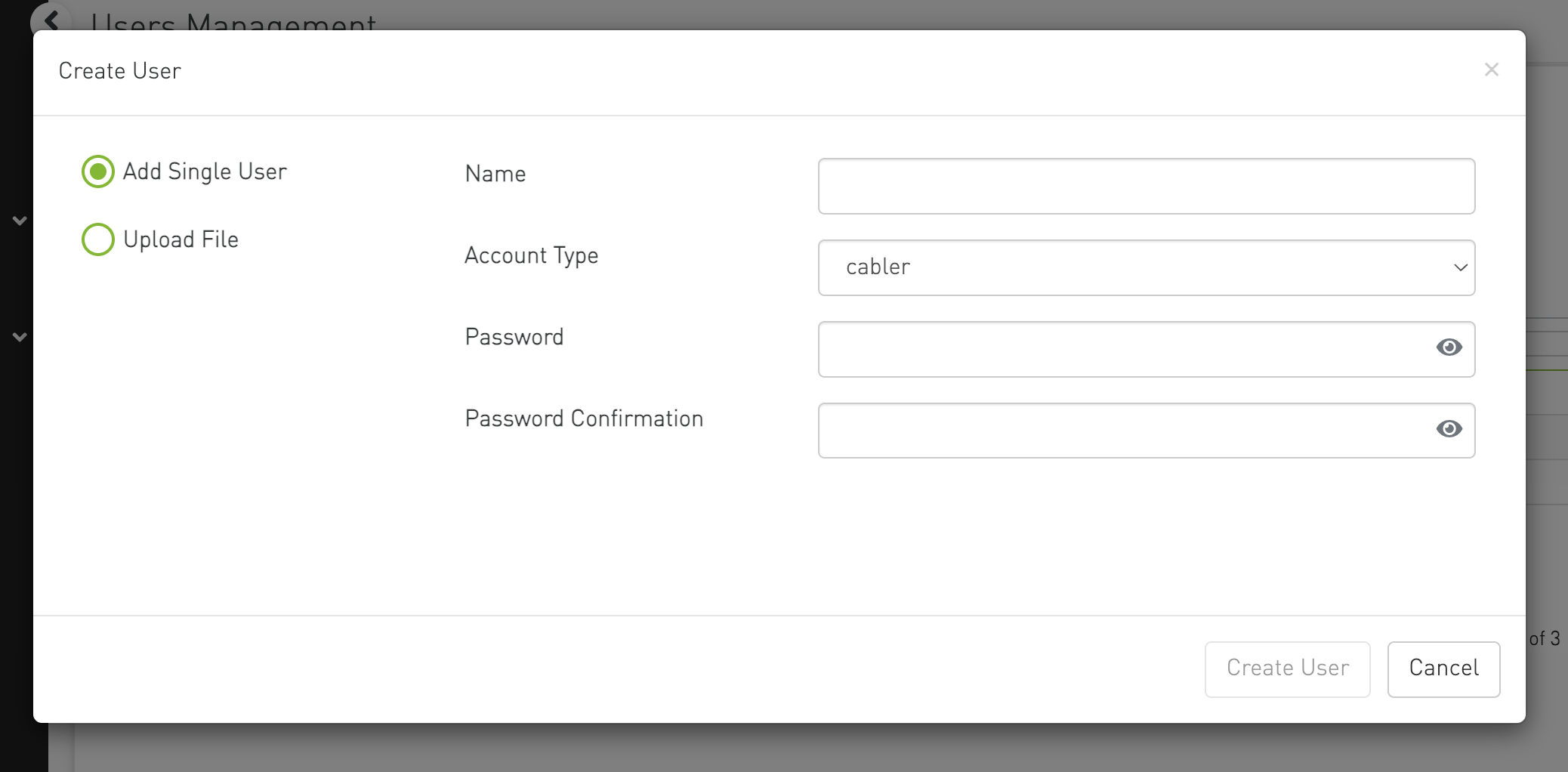
Toolbar button opens a modal with two modes: Add Single User (name, password, account type) or Upload File (bulk import) |
|
Update User |
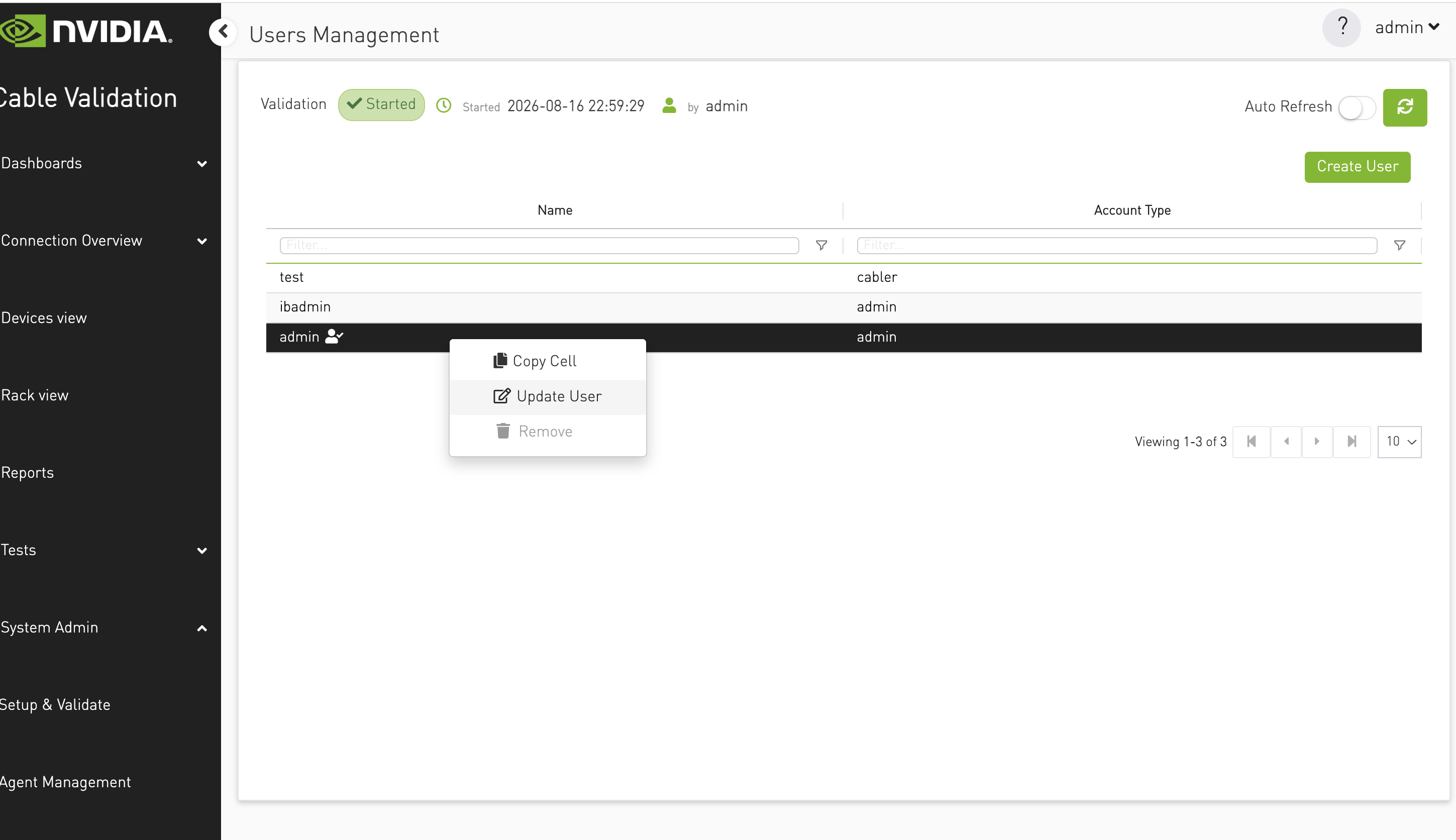
Right-click context menu → Update User |
|
Remove User |
Right-click context menu → Remove (disabled for the currently logged-in user) |
Account types are loaded from the backend and presented in the create/update forms.
Click on Create button to add new users.
Right click to update or delete the user
Upload File
This option allows to upload multiple users in one go. The user details uploaded from a json file (template is available for download).
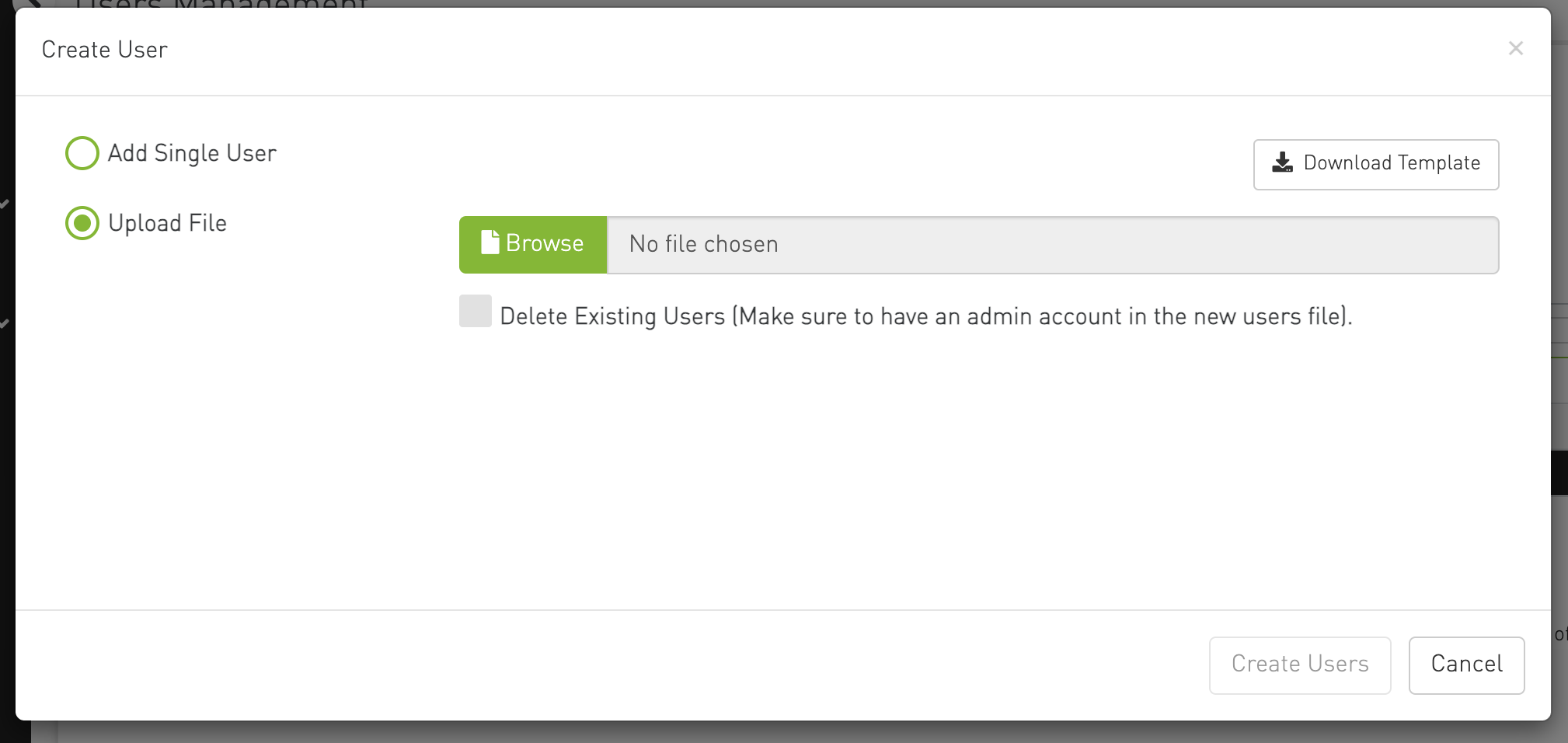
Bulk upload supports a Download Template option and an optional Delete Existing Users flag (the new file must include at least one admin account).
Account types
Four account types are supported:
|
Type |
Typical use |
|---|---|
|
admin |
Full access — System Admin, setup wizard, tests, agent management, and other restricted features |
|
cabler |
Standard operator — some admin-only actions are hidden; certain operations (e.g. circuit simulation) are restricted |
|
nvidia |
NVIDIA internal user |
|
developer |
Developer access |
Account type controls what appears in the sidebar and which actions are available across the app. The backend enforces admin-only API operations separately.
Safeguards
-
Usernames must be unique and cannot use reserved names (e.g.
system) -
Password length and format are validated on create/update
-
The last admin account cannot be deleted or demoted to a non-admin type
-
You cannot remove your own account while logged in
Last updated: