

Each system’s input voltage is specified in the Specifications chapter.
|
SN6600 System |
SN6600-LD, SN6800-LD And SN6810-LD Systems |
||
|---|---|---|---|
|
The power cords should be standard 3-wire AC power cords including a safety ground and rated for 16A or higher. The system platform will automatically power on when AC power is applied. The system has no power switch. Check all power supplies and fan tray modules for proper insertion before plugging in a power cable.
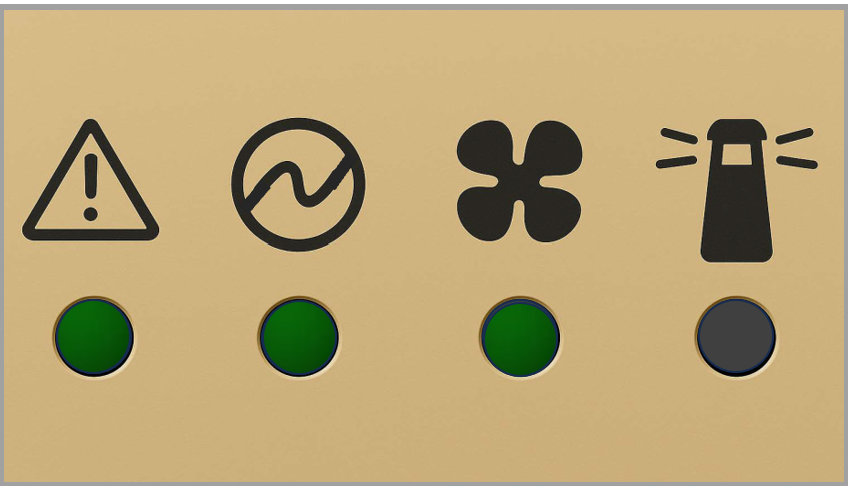
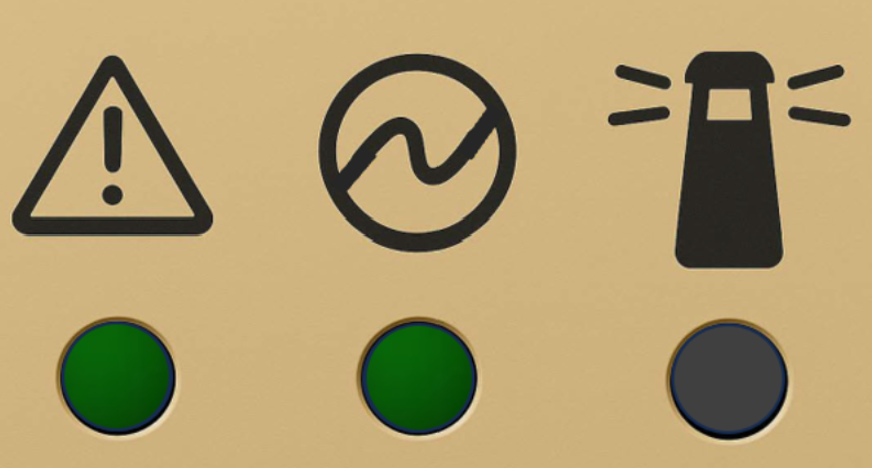
After inserting a power cable and confirming the green System Status LED light is on, make sure that the Fan Status LED is also green. If the Fan Status LED is not green, unplug the power connection and make sure that the fan module is inserted properly and that the mating connector of the fan unit is free of any dirt or particles. If the problem persists, contact your NVIDIA representative. Risk of electric shock and energy hazard. Disconnect all power supplies to ensure the switch platform is powered down. |
The systems are powered by a DC busbar. No power cords are required.
|
Last updated: