

Overview
The DTS Monitor can be run either as a standalone tool or as a plugin within UFM. It collects all the endpoint information for DPUs and consolidates it into a single interface.
Deployment
DPU Requirements
-
OS: ubuntu 20/22
-
BlueField: BlueField-2 or BlueField-3
-
DTS: version > 1.12
-
DPE service up and running
-
yaml configured with "DTS_CONFIG_DIR=ufm"
-
-
Add to the following line in
file doca_telemetry_standalone.yaml
-
-
-
-
Command:
/bin/bash", "-c", "/usr/bin/telemetry-init.sh && /usr/bin/enable-fluent-forward.sh -
Command:
/bin/bash", "-c", " DTS_CONFIG_DIR=ufm /usr/bin/telemetry-init.sh && /usr/bin/enable-fluent-forward.sh
-
-
Installation
you need to load the image on the UFM server; either using the UFM GUI -> Settings -> Plugins Management tab or by loading the image via the following command:
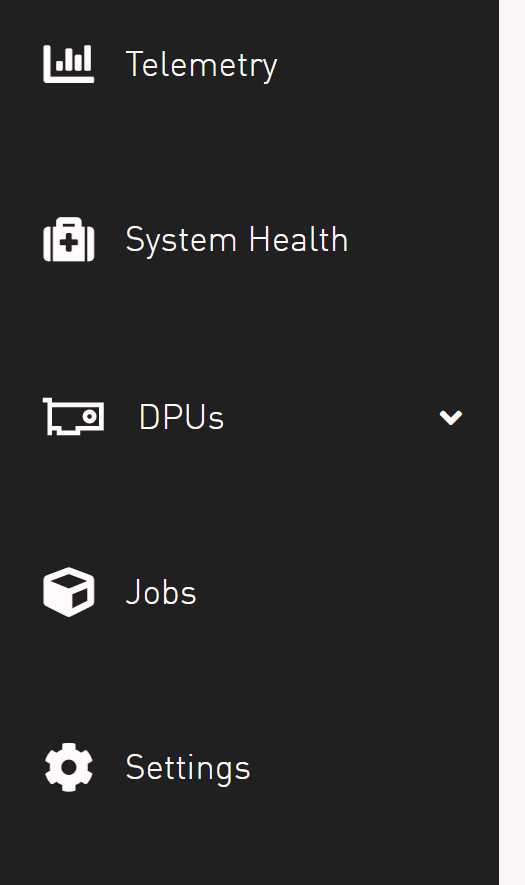
After completing the plugin addition and refreshing the UFM GUI, a new menu item, titled DPUs, will be added to the left navigation bar.
GUI Screens
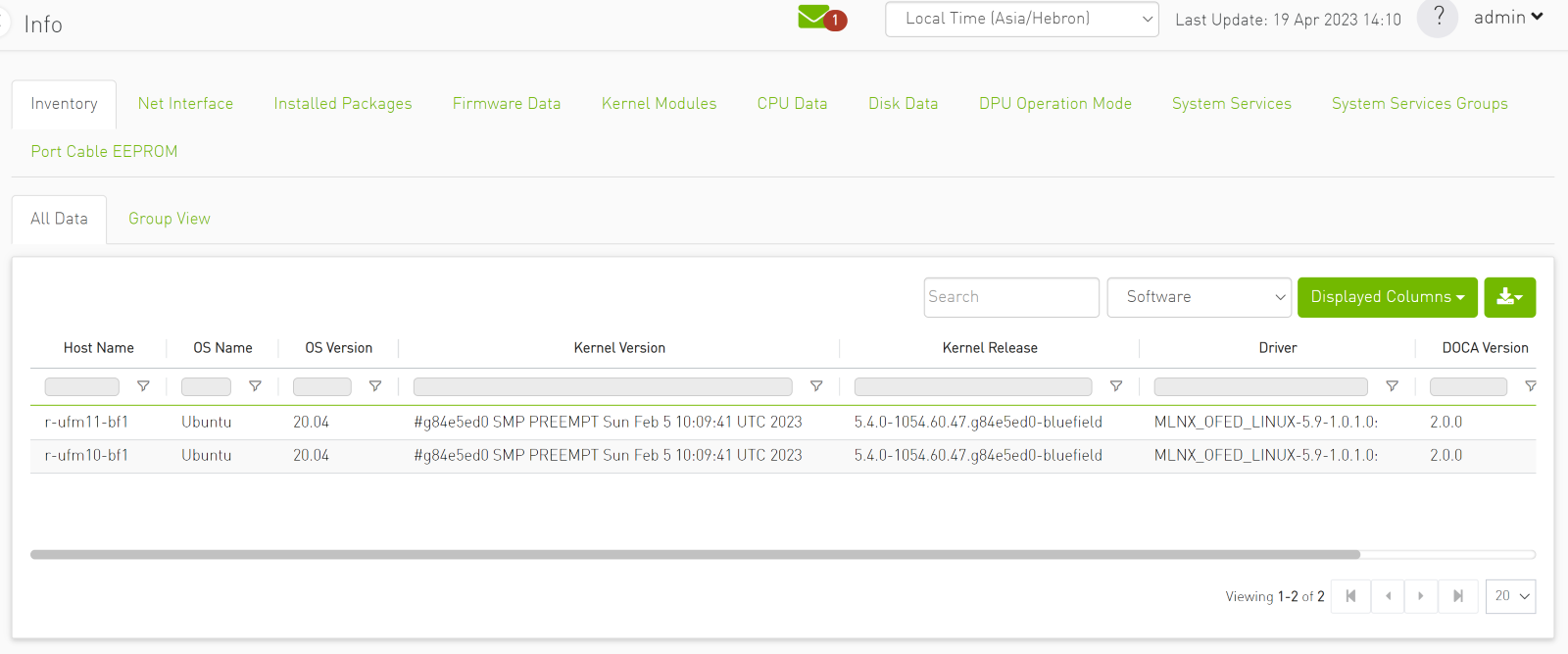
Info
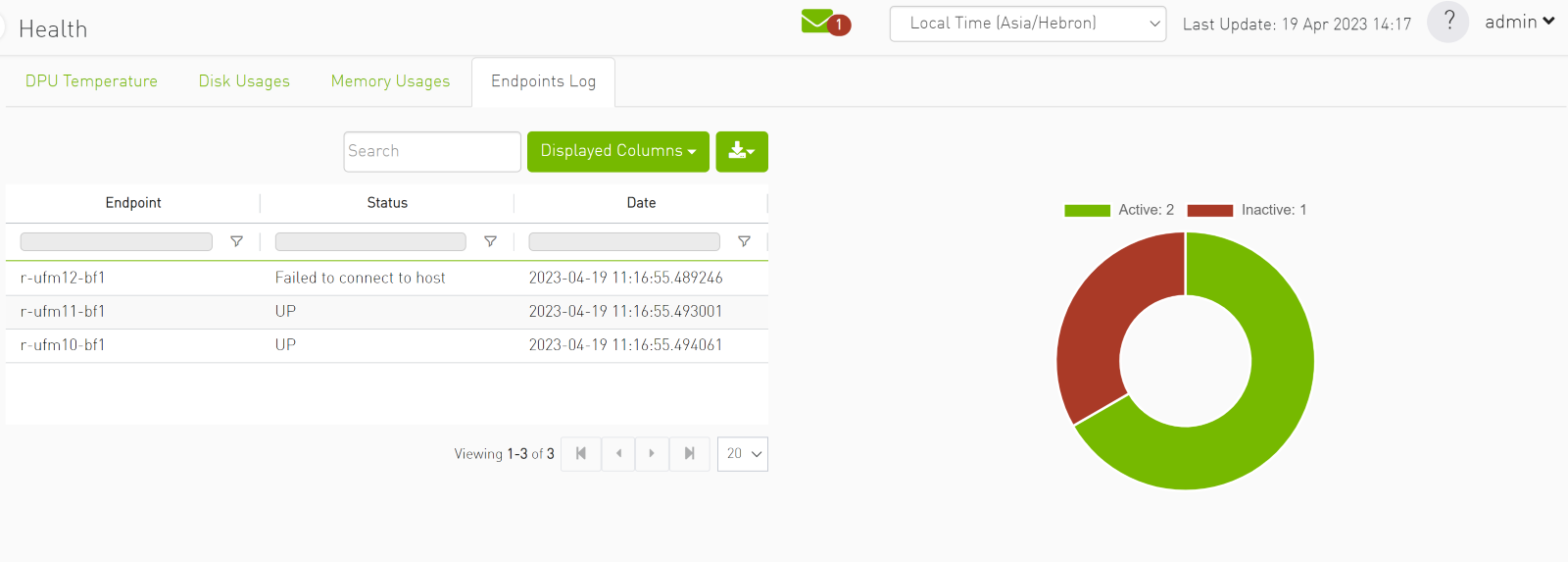
Health
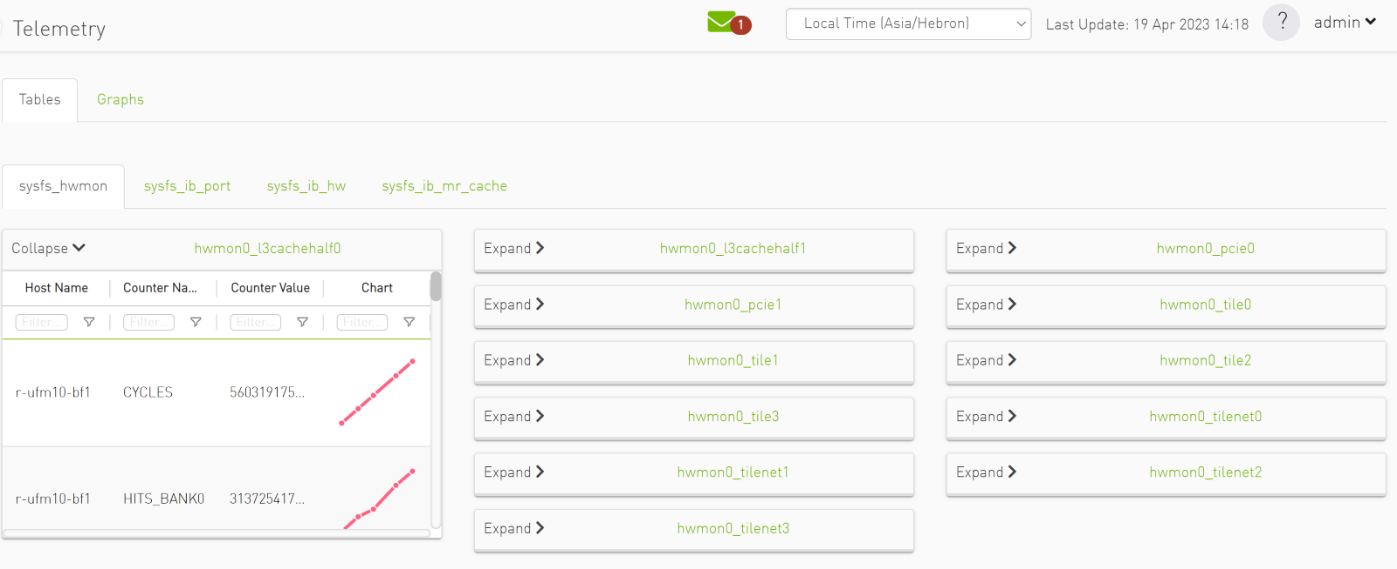
Telemetry
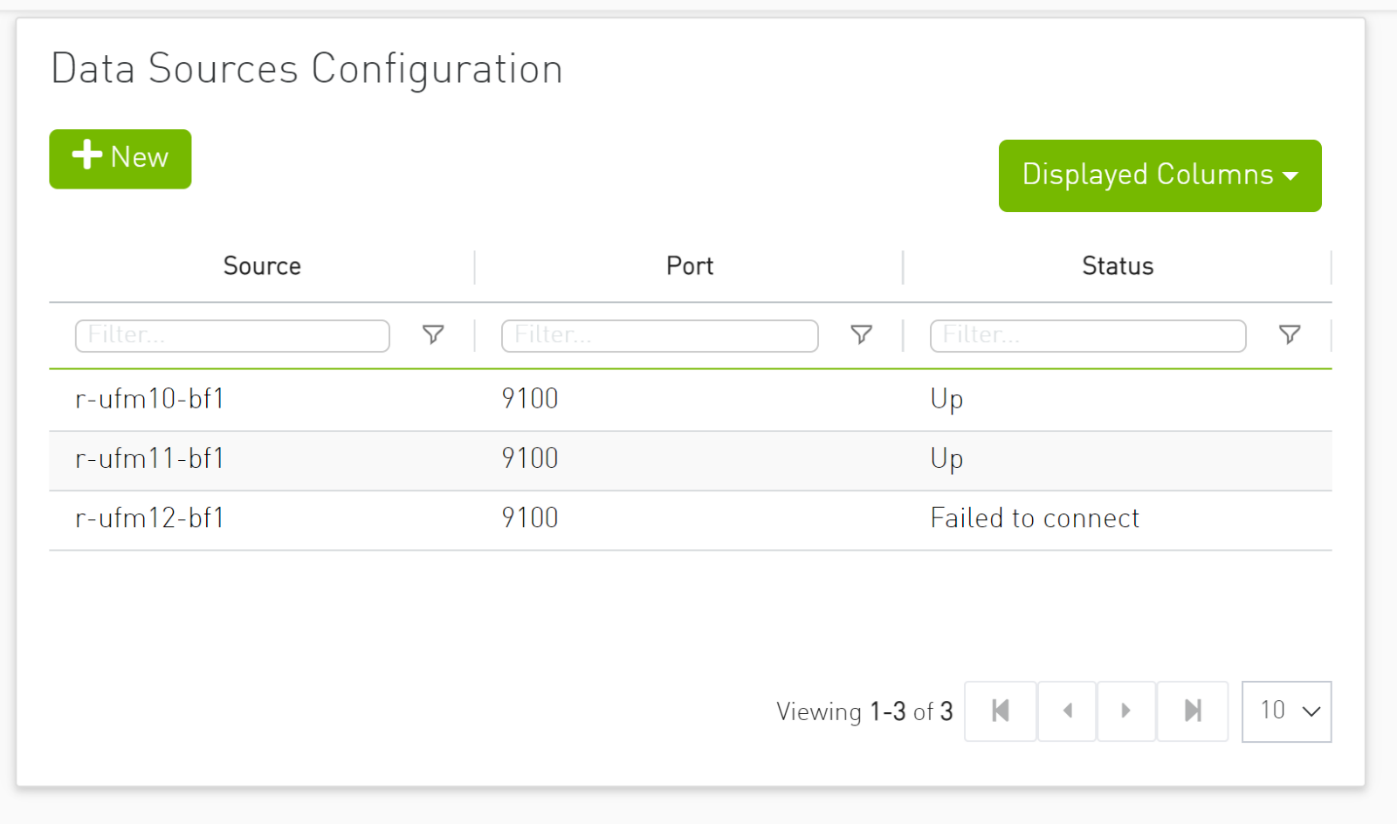
Data Sources
Last updated: